Garmin GPSMAP 695/696 Owner’s Manual
190-00919-00 Rev. G
Appendix D
216
OverviewGPS NavigationFlight PlanningHazard AvoidanceAdditional FeaturesAppendicesIndex
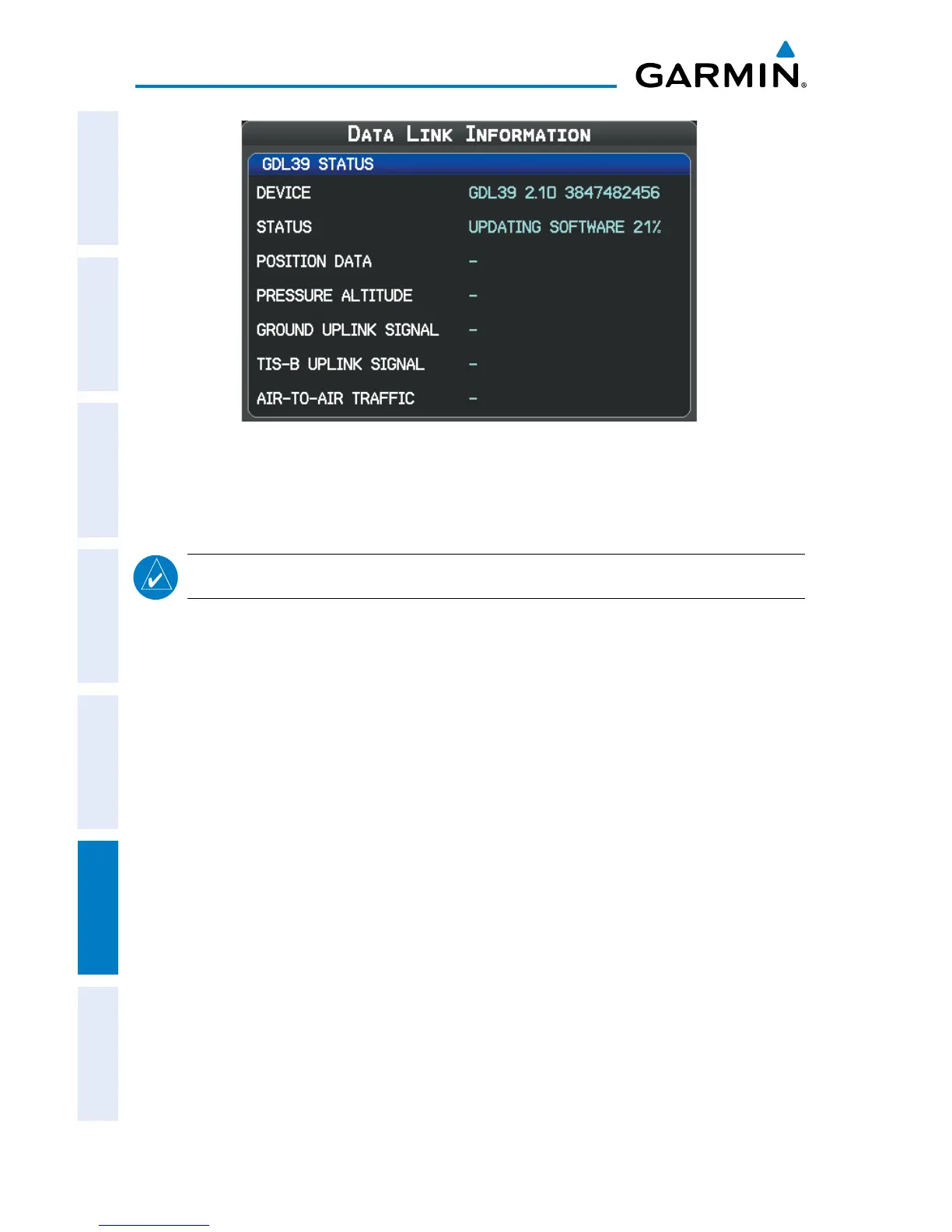
GDL 39 Update Status
GDL 39 SERIAL PASS-THROUGH
NOTE:
Serial Pass-Through is only available on a bare wire installation.
The GDL 39 is capable of passing serial data from the GPSMAP 695/696 to an
additional serial device. The GPSMAP 695/696 should be connected to channel A
(Green, White/Green wires) on the GDL 39. To utilize the serial pass-through capability
of the GDL 39, connect an additional serial device to GDL 39 channel B (Orange,
White/Orange wires) and configure the serial pass-through format on the GPSMAP
695/696. On the Interface Setup Page, the following serial formats are available for
GDL 39 Pass-Through:
• NMEA Out
• Aviation In
• Aviation In/NMEA & VHF Out
• GTX TIS-A In
• GTX TIS-A In/NMEA & VHF Out.
• None














 To Next Page