Reference
42
Customizing the Welcome Page
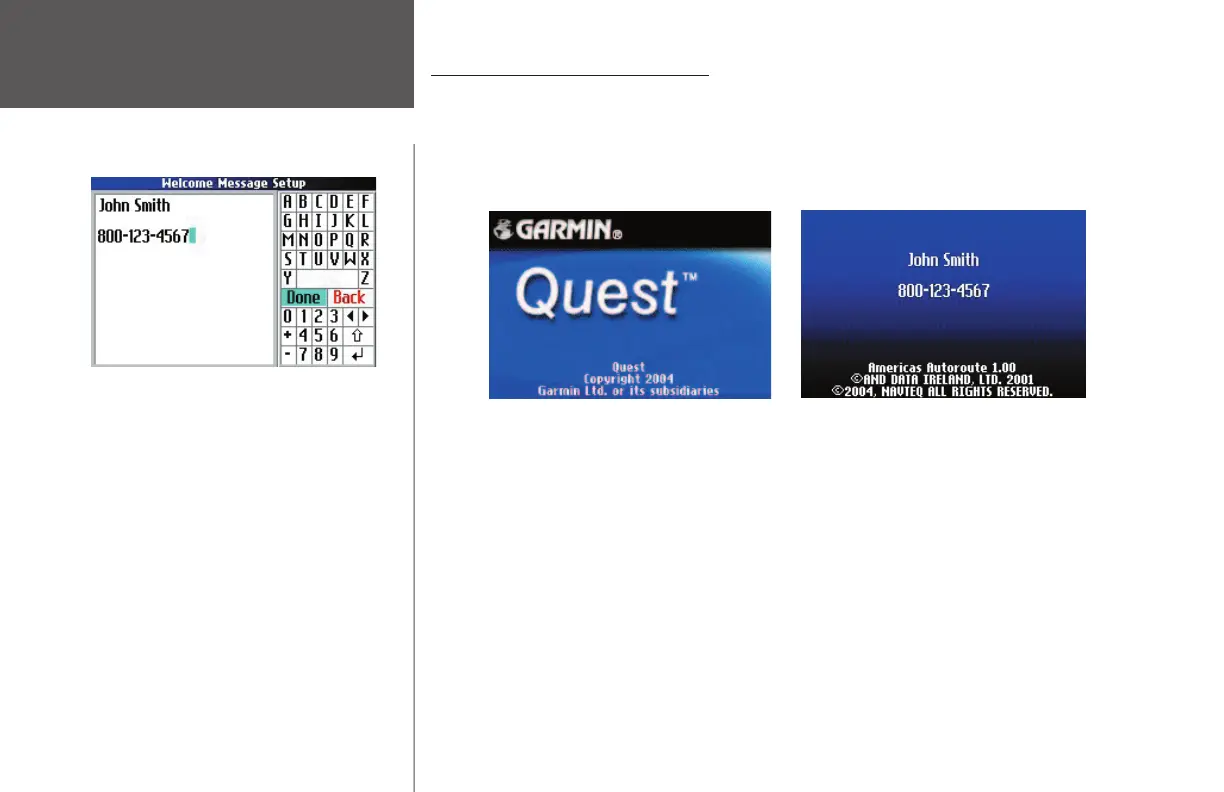
You can customize the Welcome page that appears when you turn on your Quest. Select Welcome Setup
from the Settings page. A Welcome Message Setup page appears. Use the onscreen keyboard to type in your
customizations (your text will be centered on the actual screen). Then, select done. When you turn on the
Quest again, your message appears.
Customizing the Welcome Page
The image at top left shows the default look of the
Quest’s Welcome page. To customize it, select Welcome
Setup from the Settings page.
Use the onscreen keyboard to enter a customized
Welcome page. Note that all text is centered when
it appears on the Welcome page.
190-00323-00_0B.indd 42 8/20/2004, 11:08:36 AM



 To Next Page