Introduction
vi
Terminology used Throughout this Manual
• This manual refers to the Quest as a “Quest,” “unit,” or “GPS receiver.” It makes no distinction between
these terms.
• This manual uses the term “Map page” when referring to pages that shows maps.
• This manual uses the term “press” when you need to activate the keys on the Quest. For example, the
phrase “Press OK” means “Press the OK key located on your Quest.”
• This manual uses the term “select” when you need to choose an icon, button, or tab. When asked to
select something, use the rocker pad to move the cursor to the desired position. To activate what you
select, press the OK key located on your Quest. For example, the phrase “Select Navigate to activate the
route” means that you must use the rocker pad so that the cursor on your Quest highlights the Navigate
button. Then, press the OK key to activate the navigation.
Using the Quest Responsibly
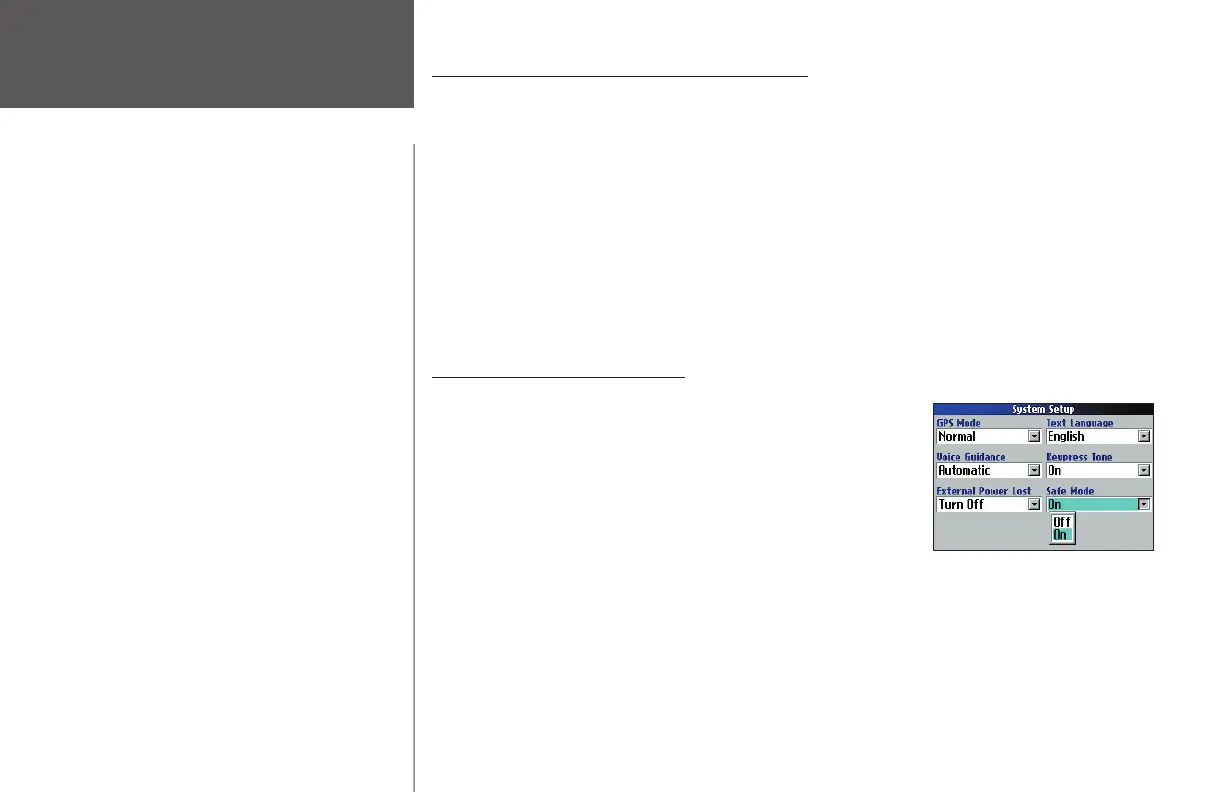
Your Quest is equipped with a “ Safe Mode” feature to improve
driver safety. By default, this feature is enabled, but it can be turned off
to allow a passenger to operate the unit. When your vehicle is moving,
Safe Mode disables certain Quest functions which require signifi cant
operator attention and may become a distraction to use while driving.
Read the Warnings and Cautions listed in the Safety and Regula-
tory section (Appendix F) to learn how to install and use your Quest
safely and responsibly.
Battery Temperature Warning
Your Quest contains an internal Lithium Ion battery
which allows you to store more energy than standard
batteries. All batteries slowly lose the amount of energy
they can hold over time. To maximize battery life, limit
your Quest’s prolonged exposure to excessive heat and
direct sunlight.
Avoid Theft
To avoid theft, take your Quest with you or remove it
from view when you leave your vehicle.
If Your Quest Locks Up . . .
On rare occasions, your Quest may freeze or lock up. In
this case, reset the Quest by pressing the unit’s Power
key and the IN key at the same time. This will turn off
your Quest. The unit will operate normally when you
turn it on again.
190-00323-00_0B.indd vi 8/20/2004, 11:07:52 AM



 To Next Page