MDE-5411A ForeHB Islander Prime Installation Manual · October 2018 Page 51
5.4 Installing Options Installation
4 Connect the two modem antennae to the cellular modem using cables provided in the
installation kit.
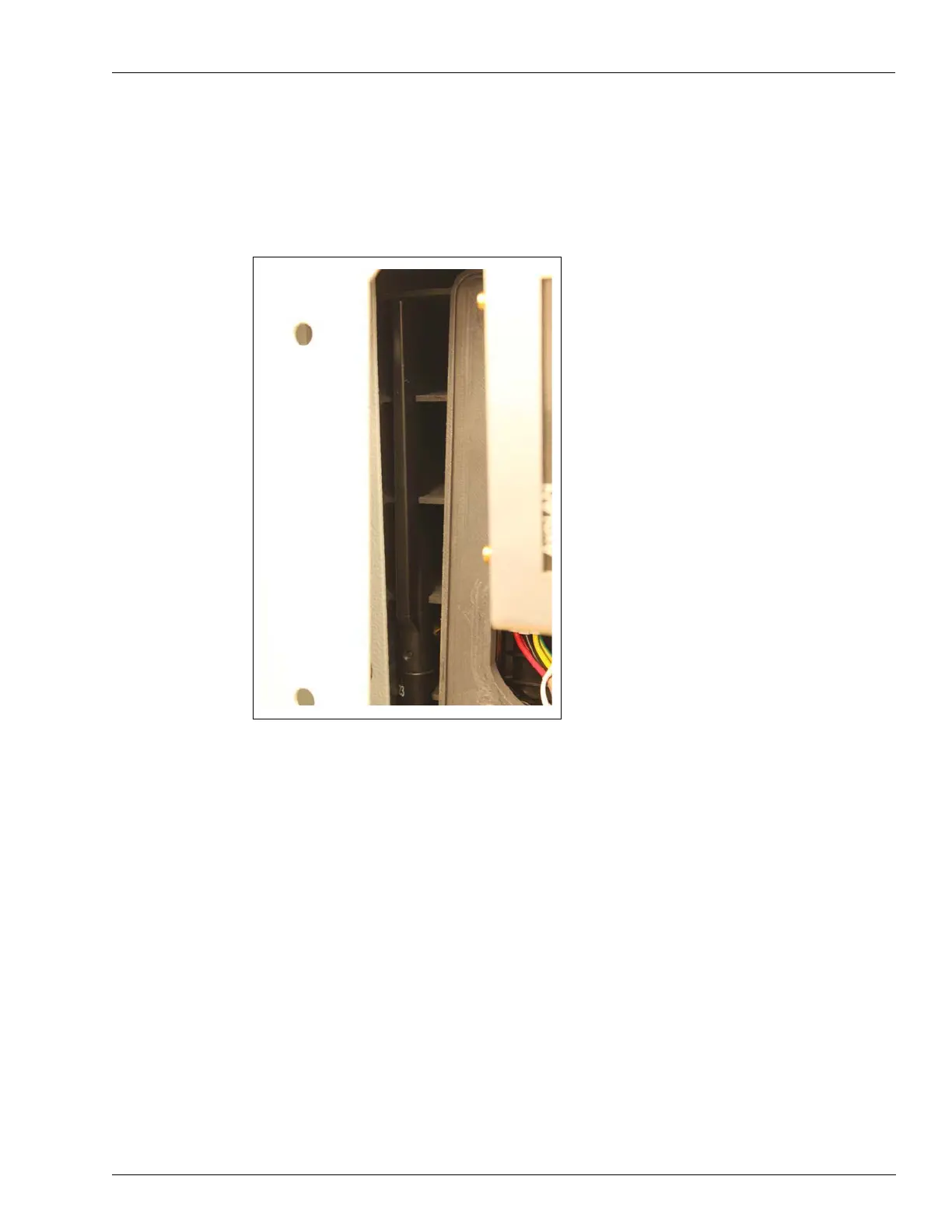
5 Anchor the modem antennas in the designated apertures as follows (see Figure 37).
Figure 37: Cellular Modem Antenna (Left Side Example)
6 Use the modem harness provided in the installation kit to connect the cellular modem to the
Islander Prime.
7 Use the Ethernet cable provided in the installation kit to connect the cellular modem to the
Islander Prime 5-port Ethernet switch.


 To Next Page