Installation 5.4 Installing Options
Page 52 MDE-5411A ForeHB Islander Prime Installation Manual · October 2018
5.4.5 G2 Panel Printer Installation
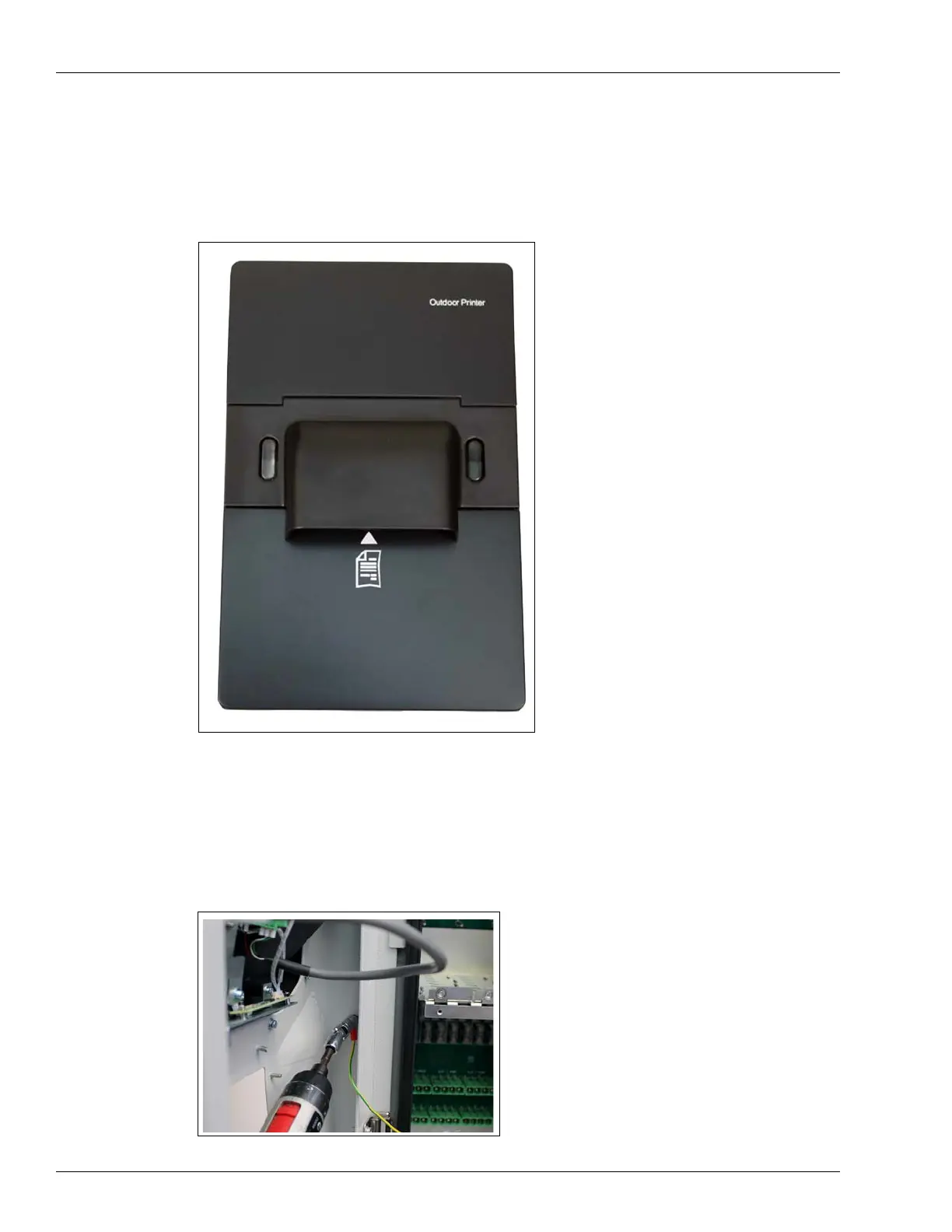
The G2 Panel Printer (P/N M15778B008) is provided with the following assembly kit
components (see Figure 38):
Figure 38: G2 Panel Printer
To install a G2 Panel Printer in the Islander Prime, proceed as follows:
1 Disconnect the grounding wire connection in the Islander Prime pole door as follows
(see Figure 39):
Figure 39: Disconnect Grounding Cable


 To Next Page