MDE-5411A ForeHB Islander Prime Installation Manual · October 2018 Page 77
6.3 Setup LAN CommVerter Setup
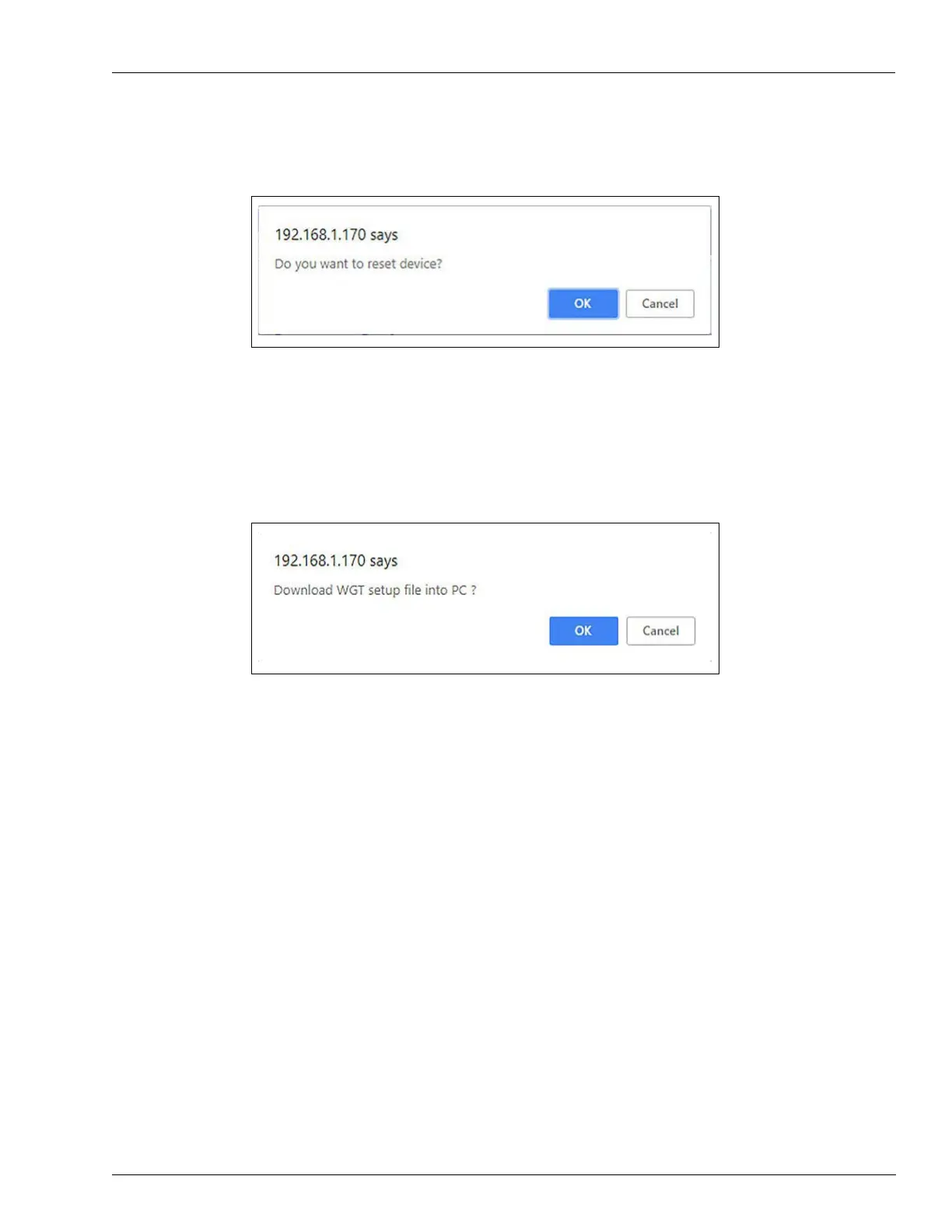
3 Click OK to continue. The following dialog box opens (see Figure 66):
Figure 66: Reset Device Dialog Box
4 Click OK to complete the save process.
5 To download an XML file containing all of the settings defined on the Setup page to the local
machine, click Download Setup to PC. The following dialog box opens (see Figure 67):
Figure 67: Download Setup File
6 Click OK to confirm.
Note: The dialog box screenshots in this procedure are for demonstration purposes only,
inc
luding the IP address in the headers. Use the IP address provided to you by Gasboy
when performing this procedure.


 To Next Page