MDE-5411A ForeHB Islander Prime Installation Manual · October 2018 Page 75
6.3 Setup LAN CommVerter Setup
6.3.4 Log Level
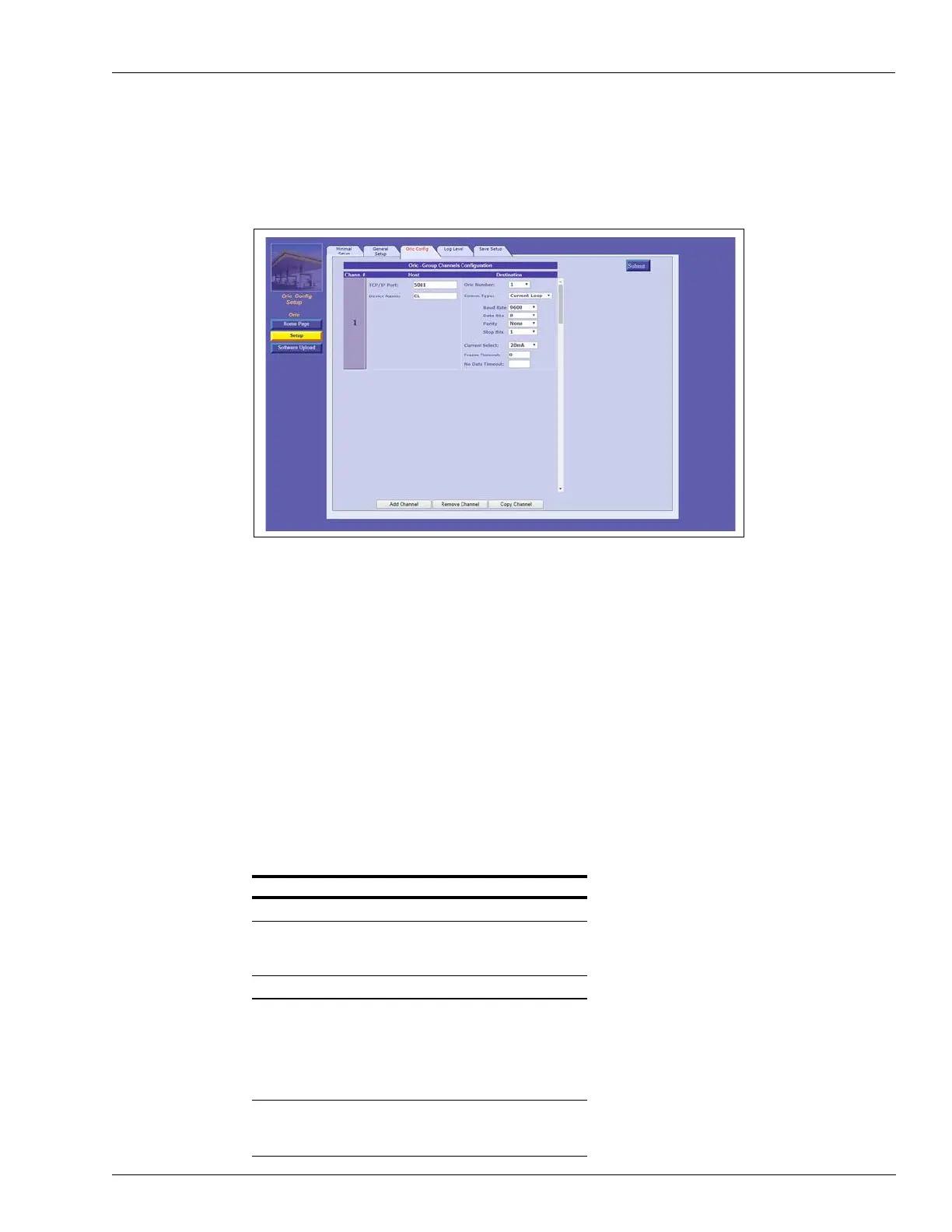
Click the Log Level tab. The following screen opens (see Figure 63):
Figure 63: Log Level Tab
The Log Levels section defines settings for logs that are sent to Gasboy.
Note: Please consult with Gasboy’s Customer Services prior to defining the Log Levels
settings.
The following actions are available:
• Define the Log Level fields (see Table 21).
• In the Debug Port Interface drop-down, select the
port that the log will be transferred
through.
- None: Logs are not transferred
- Com:
Transfers the logs via RS-232
- TCP/IP: Transfers the logs via LAN connection
• Click the Sub
mit button to save the changes locally.
Note: Clicking Submit saves the conf
iguration temporarily on a local level. To commit the
changes permanently, ensure that you save everything via the Save tab.
Table 21: CommVerter Log Levels
Field Description
General
Debug Port Interface None: Logs are
not transferred
Com: Transfers logs via RS-232
TCP IP: Transfers logs via LAN
Log Levels: Select Debug Information
Source Logs:
•TcpS
•TcpC
•DIAG
•ADMIN
•ORIC
Log Levels • Data
• Debug
•Info


 To Next Page