MDE-5411A ForeHB Islander Prime Installation Manual · October 2018 Page 53
5.4 Installing Options Installation
2 Remove the screws affixing the panel covering the printer opening to the Islander Prime pole
door.
3 Place the printer into the opening from the outside.
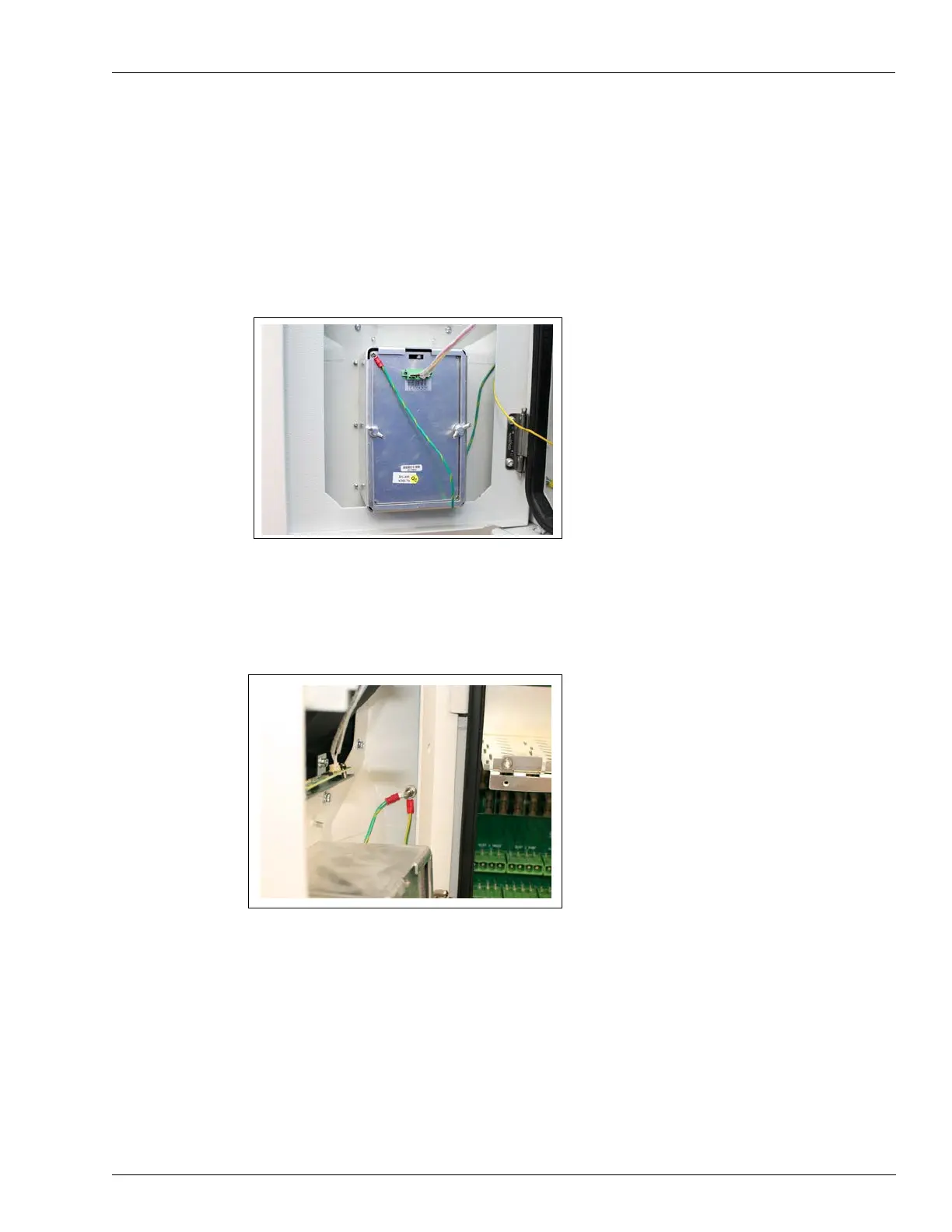
4 Use the screws provided to secure the printer to the inside of the Islander Prime in the
provided bracket as follows (see Figure 40):
Figure 40: Panel Printer in Islander Prime Pole
5 Connect the printer ground cable to the ground stud in the Islander Prime pole door together
with the main grounding cable as follows (see Figure 41):
Figure 41: Reconnect Grounding Cable


 To Next Page