2.INSTALLING SR-1000 INTO THE PROJECTOR
2.2 Installing the SR-1000 into the projector
Please make sure the projector is powered off before installing the SR-1000 on the projector.
NOTE: Please check the SR-1000 for any physical damage like loose or burnt component before
installing it into the projector.
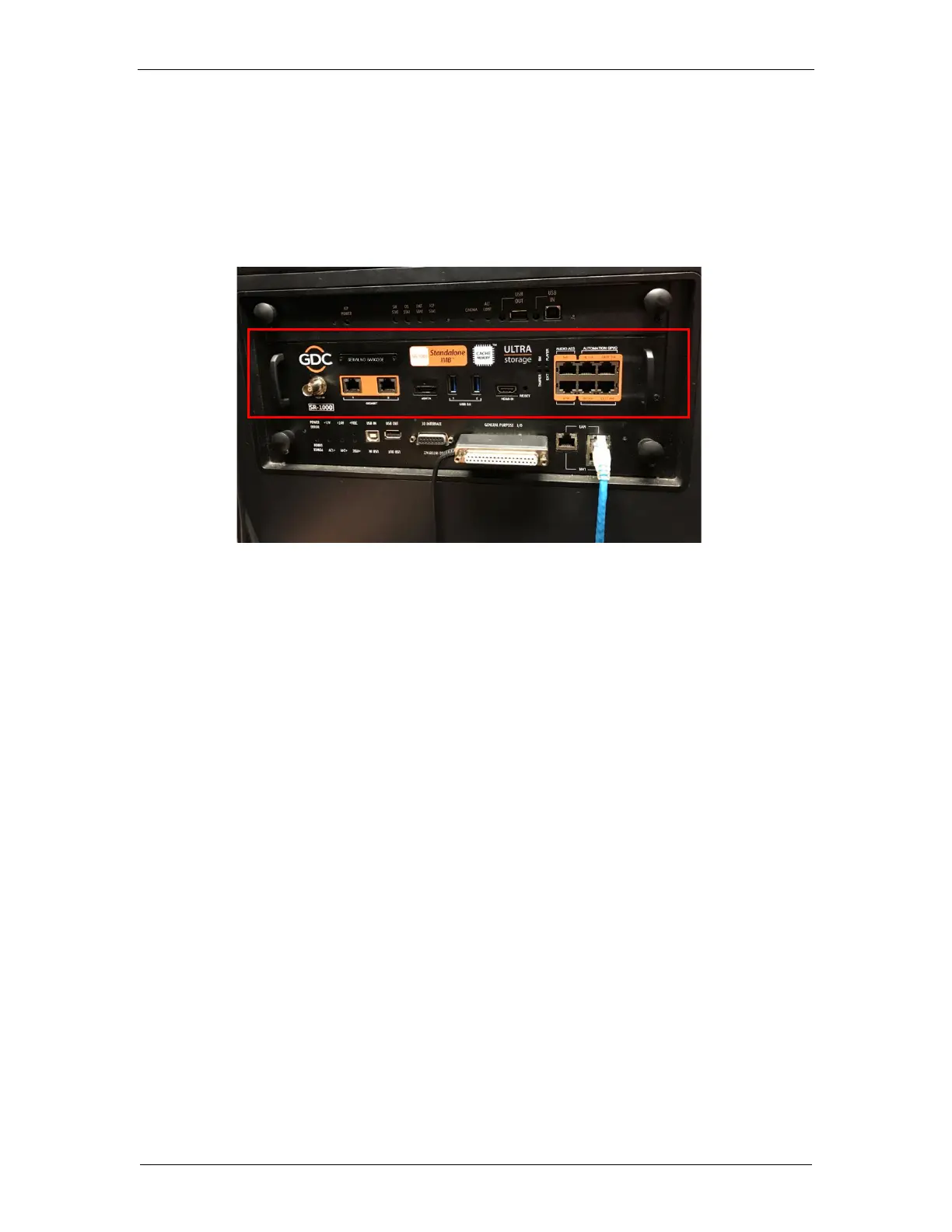
Insert the SR-1000 as shown in Figure 7. The SR-1000 should slide into the projector on the rails
provided by the IMB slot, and the SR-1000 faceplate should be flush with the other existing
faceplates once properly inserted.
2.3 Projector Network
Connect the provided Cat 5e LAN cable from the SR-1000 Gigabit 2 port to cinema network.
Please see Section 5 for IP network instructions after the SR-1000 is installed.



 To Next Page