8. TIME ZONE SETUP
8 TIME ZONE SETUP
The SR-1000 may or may not arrive with the local time zone set. The following steps show how to
change the time zone on the server.
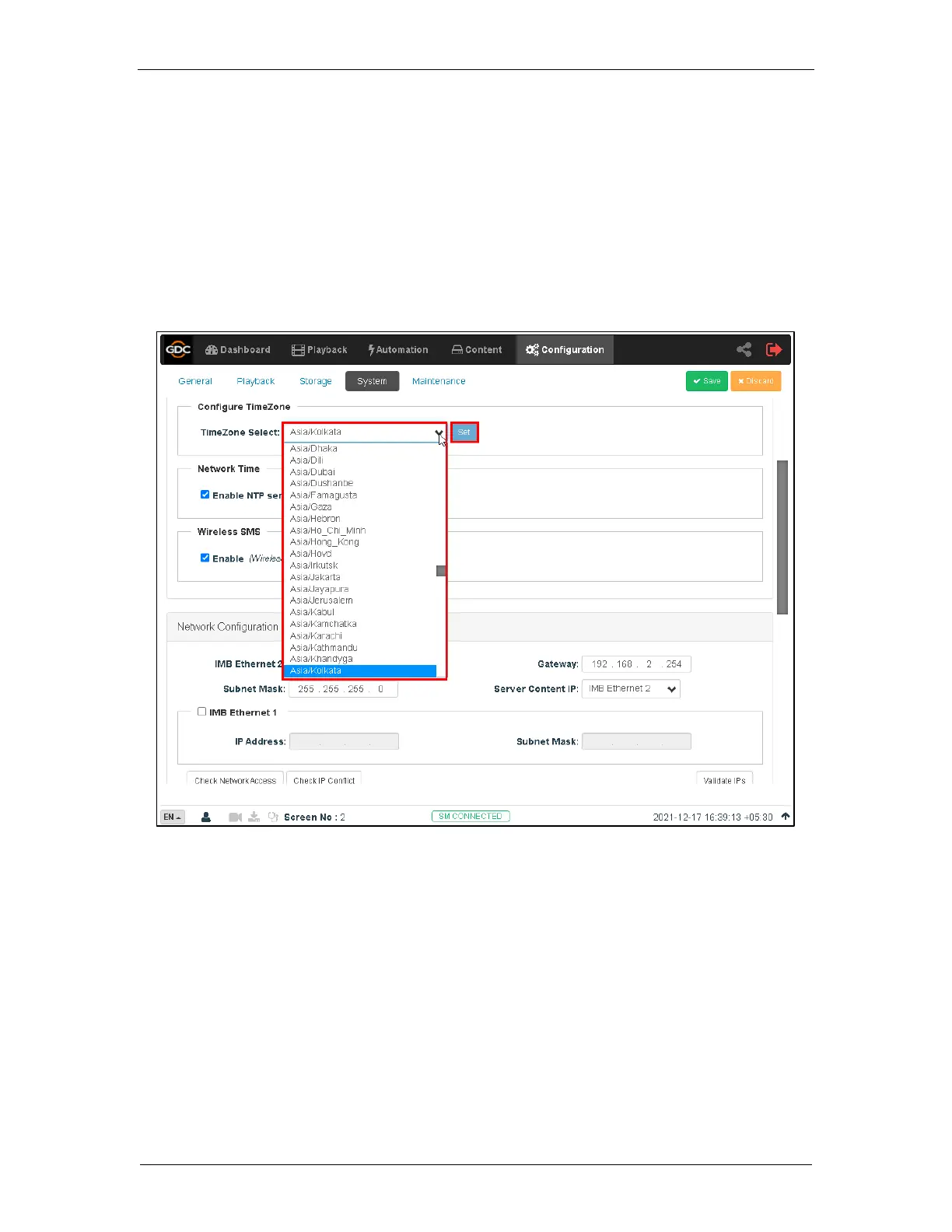
1. Under the Configuration tab in the menu, click the System sub-tab.
2. Go to Configure TimeZone section.
3. Select the Region/City in the dropdown menu of TimeZone Select.
4. Click Save to save the setting.
Figure 27: TimeZone setting



 To Next Page