2.INSTALLING SR-1000 INTO THE PROJECTOR
2 INSTALLING SR-1000 INTO THE PROJECTOR
NOTE: If the projector comes with the GDC IMB pre-installed, the instructions in this section can
be skipped.
This section of the manual describes the physical installation of the SR-1000 into the projector. If
the projector does not have the GDC SR-1000 installed, follow the steps below to install the SR-
1000 into the projector.
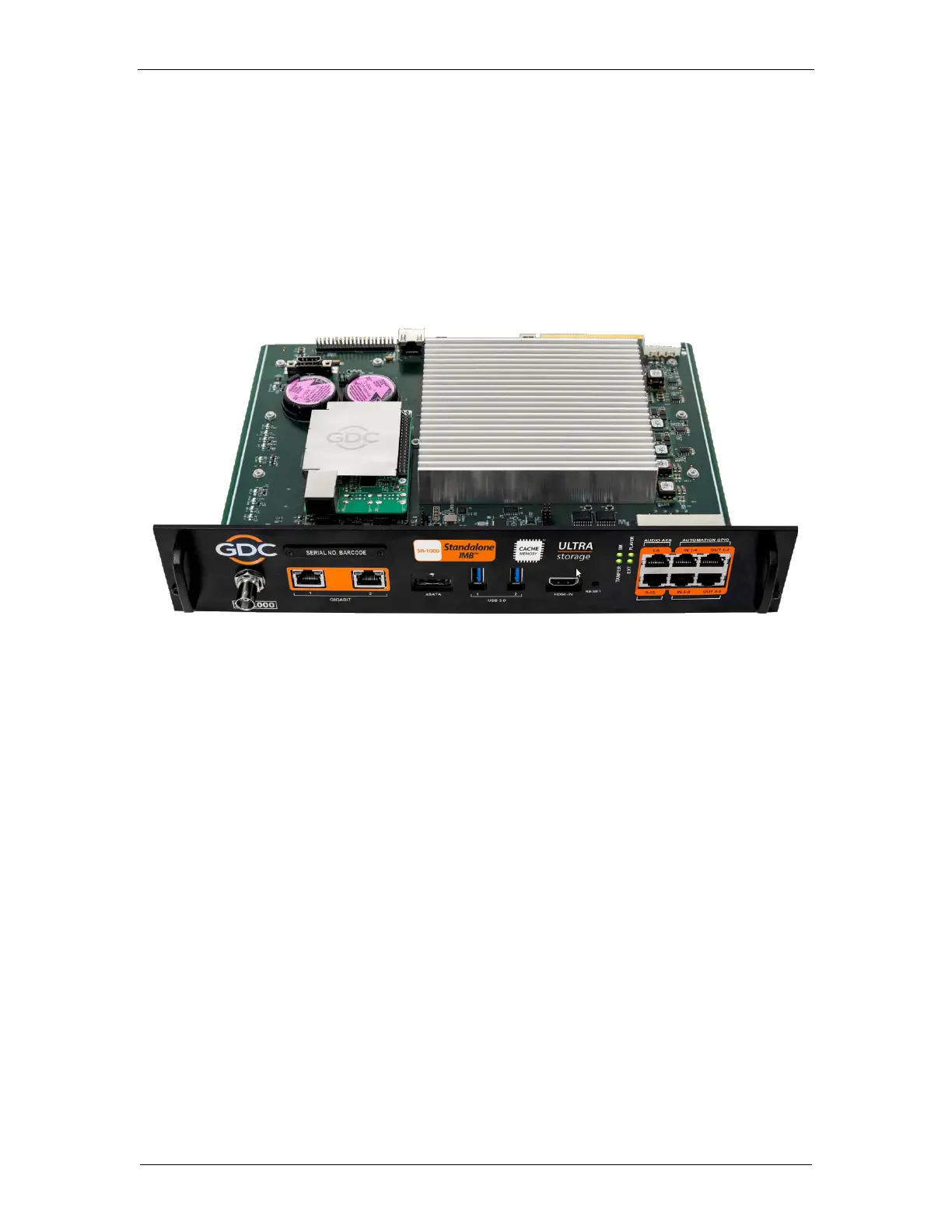
Figure 2: SR-1000 Standalone IMB
™



 To Next Page