4. SR-1000 WEB UI ACCESS
4 SR-1000 WEB UI ACCESS
The SR-1000 uses a web-based user interface. The following steps show how to access the SR-
1000 Web UI:
1. Connect a laptop or PC to the same network as the SR-1000.
2. The SR-1000 Web UI can be accessed by a web browser (Google Chrome or Mozilla
Firefox are recommended).
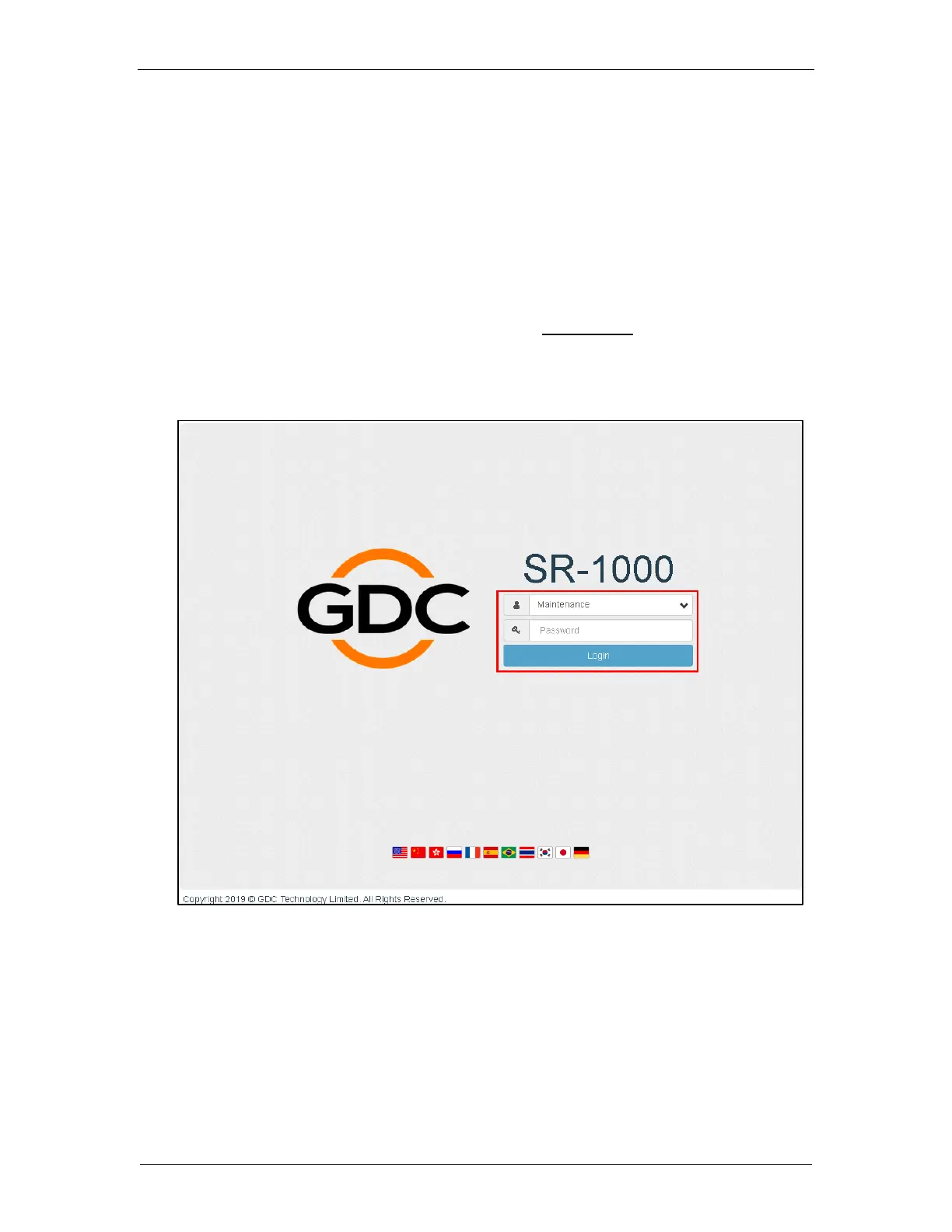
3. Enter the IP address of the SR-1000 in the web browser, to access the login page on the
Web UI. The default IP address of the SR-1000 is 192.168.1.12.
4. There are three levels of users available (User/Technician/Maintenance). Select the
required access level and enter the corresponding password to login to the Web UI.
Figure 12: SR-1000 Web UI Login Page



 To Next Page