7. SERIES 2 PROJECTOR SETUP
7.2 Barco Series 2 Projector Setup
No system configuration is required for Barco Series 2 projector to work with the SR-1000. The
Service Door/Marriage Tamper on the server must be cleared before the SR-1000 can be used for
playback.
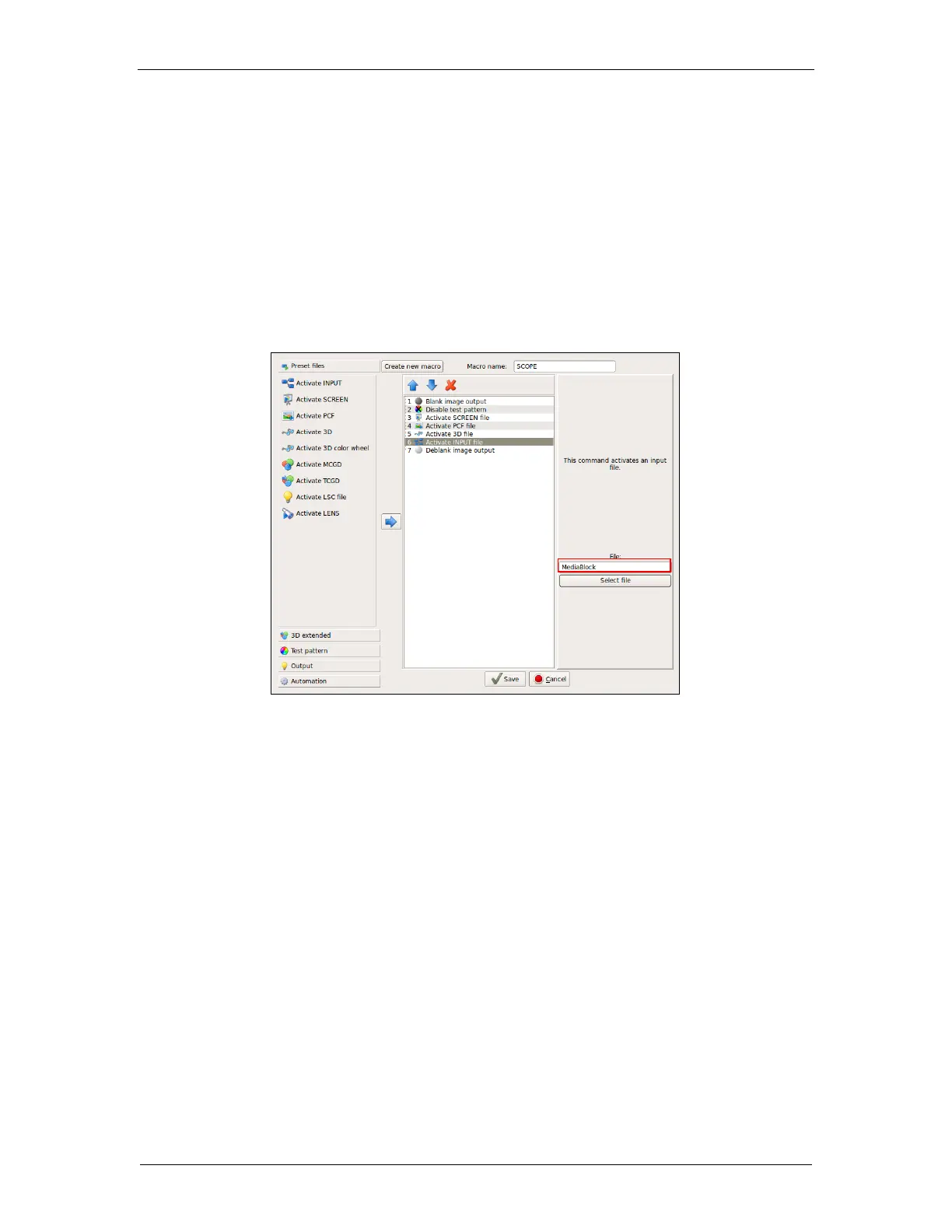
In order to use the SR-1000 for content playback, the INPUT source of the projector macros should
be set to “Mediablock” (as shown in Figure 19). If the input file is not present, please download and
install the latest projector configuration files for your projector. For details, please refer to the
projector manual.
Figure 19: INPUT source settings on Barco Series 2 Projector



 To Next Page