DescriptionNo.DescriptionNo.
Check individual check boxes to
generate specific correction files.
3
2
Click the Start button to generate the file.
•
The progress of file creation is shown on the progress bar.
•
To stop file creation, click the Stop button. The file will not be saved.
5.12.2 Flat Frame Calibration
This function creates a correction file (Flat Frame) that is required for correcting the optical
characteristics. The Flat Frame file varies depending on Light, Filter, Iris, and Tray Position.
Note:
Administrator priveleges are required to perform Flat Frame calibration.
Flat Frame Calibration
1
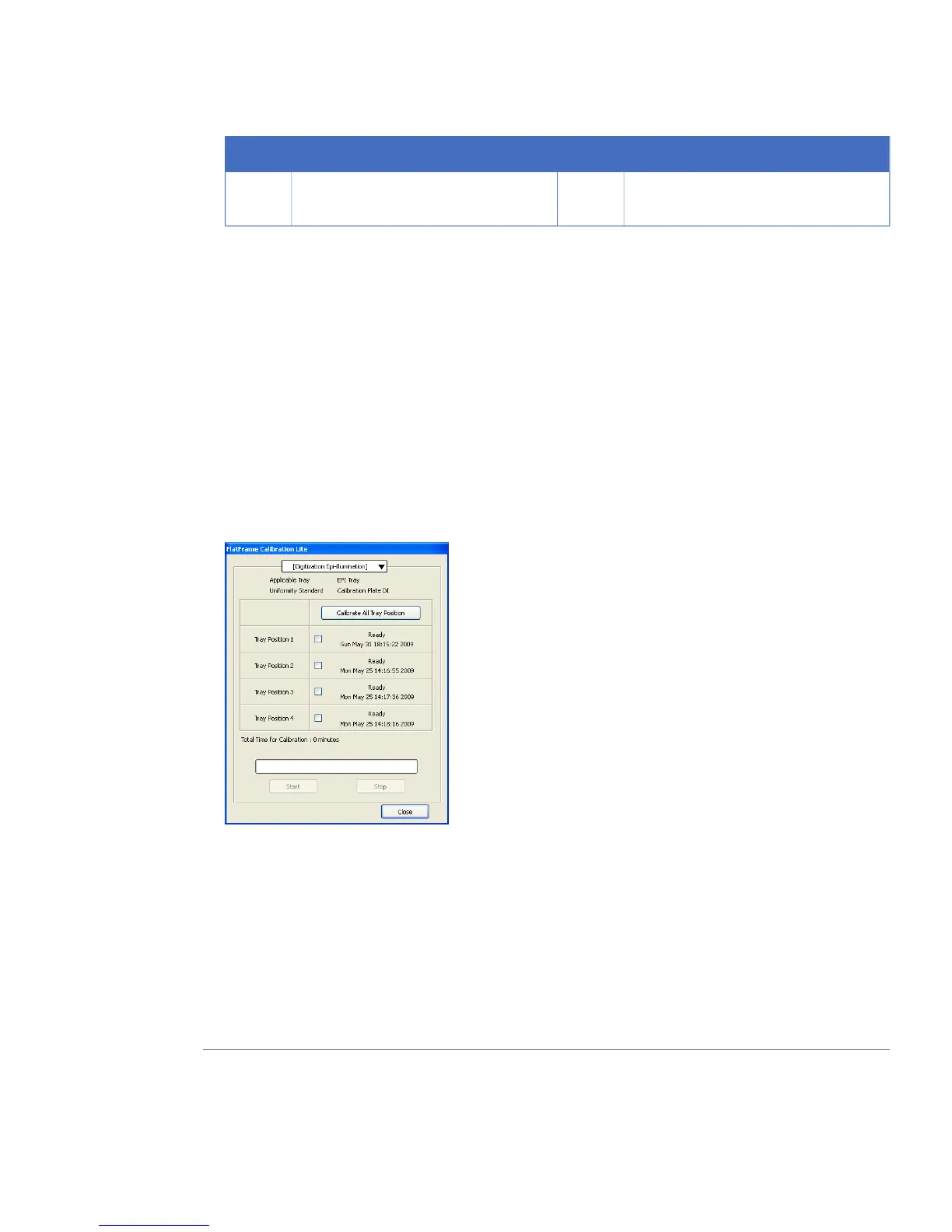
Select Flat Frame Calibration in the Option menu. The window below is then displayed.
2
Select a method from the drop-down menu at the top.
3
Put the displayed tray and Calibration Plate in the instrument.
4
Select the condition to be created.
5
Click the Start button.
Note:
Make sure that an appropriate filter and tray are in place.
6
A message window opens when the calibration is completed. Click OK.
7
Click the Close button to close the FlatFrame Calibration window.
ImageQuant LAS 4000 User Manual 28-9607-42 AB 105
5 Software reference guide
5.12 Option menu
5.12.1 CCD Calibration



 To Next Page