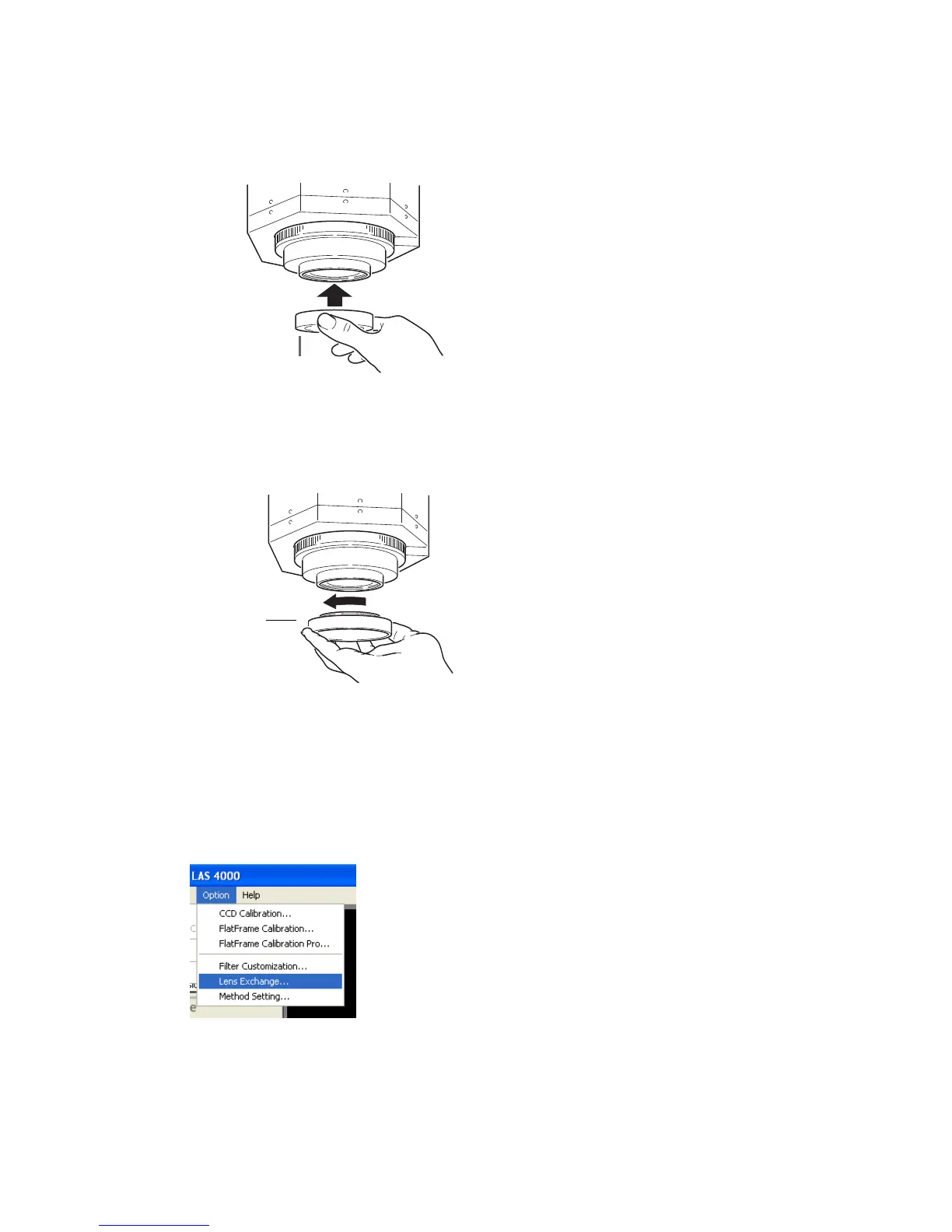
3.2.3 Removing the wide view lens
1
Close the instrument door. If the power is turned off and the filter changer is down, proceed to step
4.
2
Select Option:Lens Exchange....
24 ImageQuant LAS 4000 User Manual 28-9607-42 AB
3 Exchanging accessory parts
3.2 Installing or exchanging the lens
3.2.2 Installing the LAS High Sens. lens



 To Next Page