ActionStep
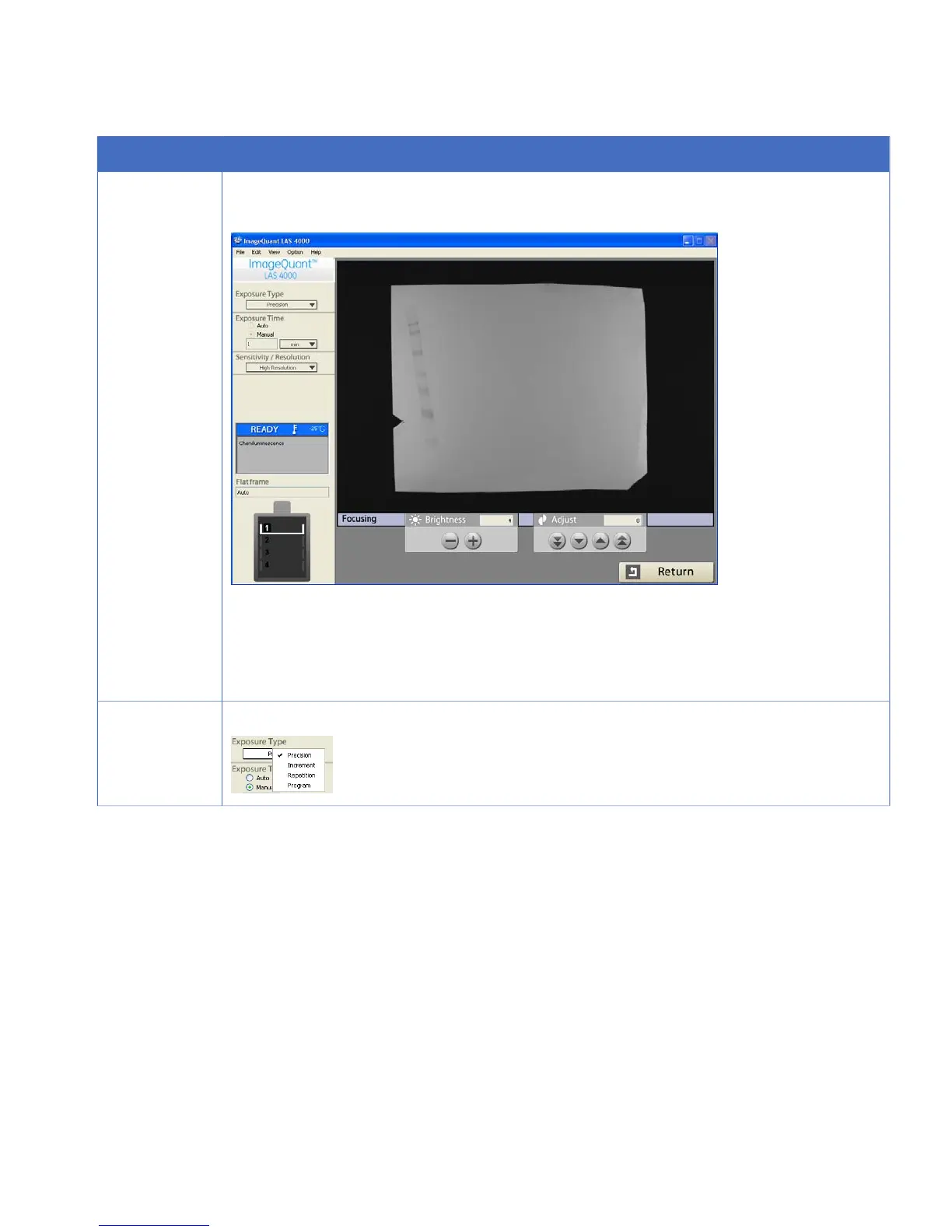
Click the Focusing button.
2
Result: The focusing controls appear.
Check that the sample is correctly postioned and focus the image.
Click the Return button.
TIP:
Click on the image to magnify it. Click on the image again to return to the original
size.
Select Precision for Exposure Type.
3
ImageQuant LAS 4000 User Manual 28-9607-42 AB 39
4 Operating the ImageQuant LAS 4000
4.5 Exposing chemiluminescent samples



 To Next Page