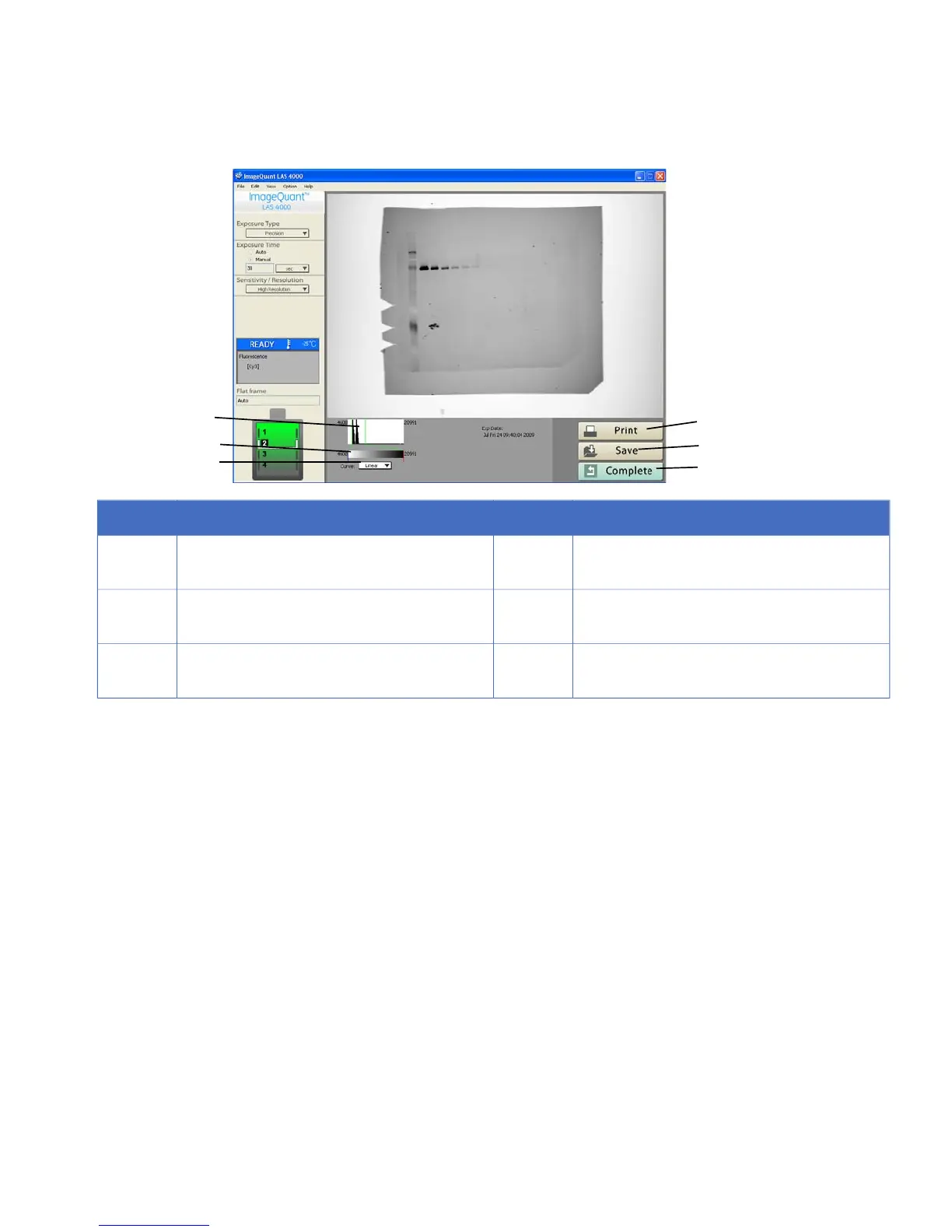
DescriptionNo.DescriptionNo.
Print image or screen.4The range can be changed by dragging the
mouse.
1
Save image.5Gradation can be changed by dragging the
mouse.
2
Return to main screen.6The gradation conversion curve can be
changed (linear or sigmoidal).
3
ImageQuant LAS 4000 User Manual 28-9607-42 AB 89
5 Software reference guide
5.6 Start



 To Next Page