5-
10
LPS-O Line Protection System GE Power Management
5.3 PHASE-TO-PHASE ZONE REACH TESTING 5 FUNCTIONAL TESTS (FACTORY SETTINGS)
5
5.3 PHASE-TO-PHASE ZONE REACH TESTING 5.3.1 T11 – ZONE 1 PHASE REACH TEST
1. Protection Settings:
Z1DISTANCE
(101)
Z1PHASE
= YES
(104)
Z1P_TIME
= 0.0 sec.
Z2DISTANCE
(201)
Z2PHASE
= NO
Z3DISTANCE
(301)
Z3PHASE
= NO
Z4DISTANCE
(401)
Z4PHASE
= NO
LINEINFO
(1204)
TRSMFRTYPE
= NONE
2. Connect the relay as shown in Figure 5–1: PHASE-TO-PHASE TEST CONNECTIONS on page 5–7 for
the appropriate phases under test. Set the relay to test mode 14 (Any Zone 1 Phase). The LUI displays:
ANY Z1 PHASE ON
3. Set the voltage inputs to the following values:
VA: 67 volts rms
∠
0°,
VB: 67 volts rms
∠
–120°,
VC: 67 volts rms
∠
+120°.
4. Set the phase angle of the fault current
I
op
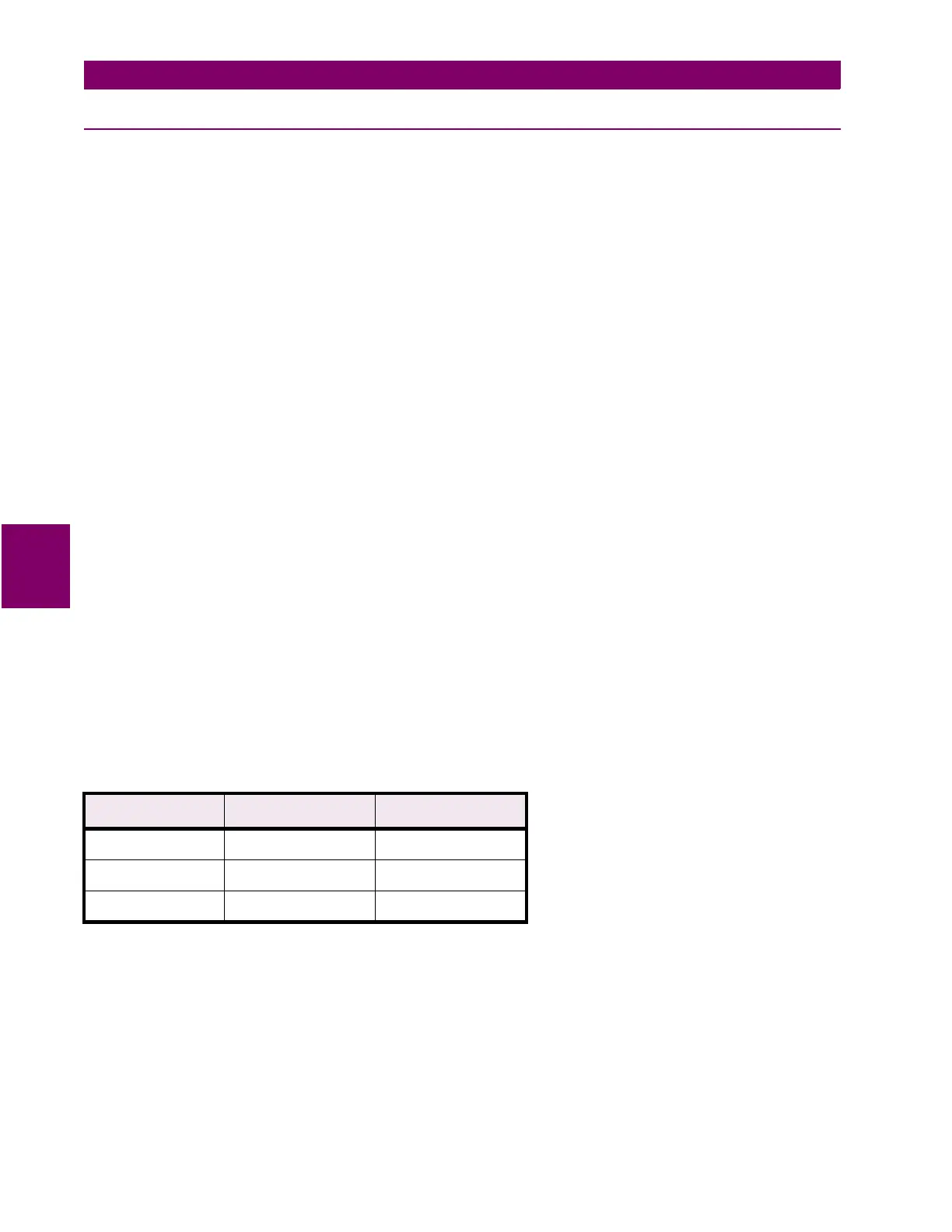
to the phase-angle value listed in Table 5–2: FAULT CURRENT
PHASE SETTINGS FOR TEST T11. Note that the leading phase angle is 180° out of phase with the line to
which it is shorted.
5. Set the fault current to 10.0 (2.0) amps rms. Reduce the voltage of the faulted phases and check that the
A1 contact closes when the voltages are within the limits shown in Table 5–2: FAULT CURRENT PHASE
SETTINGS FOR TEST T11.
6. Reduce the fault current to zero. Note that the trip target indication concurs with the fault. For example, an
AB fault is displayed as follows:
TRIP AB Z1 “DIST”
Table 5–2: FAULT CURRENT PHASE SETTINGS FOR TEST T11
∠
I Degrees
Volts rms
Displayed Target
†
–25 51 to 57 –
–55 59 to 66 82 to 88
–85 51 to 57 –
†
Reference only



 To Next Page