MDS 05-4846A01, Rev. D SD Series Technical Manual 27
Alternative Management Methods
The following methods are for use where web-based management is not
available:
• Serial—(
COM1 DB9 connector). This is the “console terminal”
method of control commonly used on earlier GE MDS radios. For
more information, refer to the Serial/Tenet Management Supple-
ment available from the GE MDS website at
www.gemds.com.
• Telnet—(ETHERNET RJ-45 connector). Telnet offers essentially
the same capabilities as Serial control, but may be performed
either through a local connection, or over a network. For more
information, refer to the Serial/Tenet Management Supplement
available from the GE MDS website at
www.gemds.com.
Web Browser Connection
The remainder of this section describes connection and use of the radio’s
built-in Device Manager. To connect to the radio and manage it via the
Device Manager, you will need the following:
• A PC with a web browser program installed.
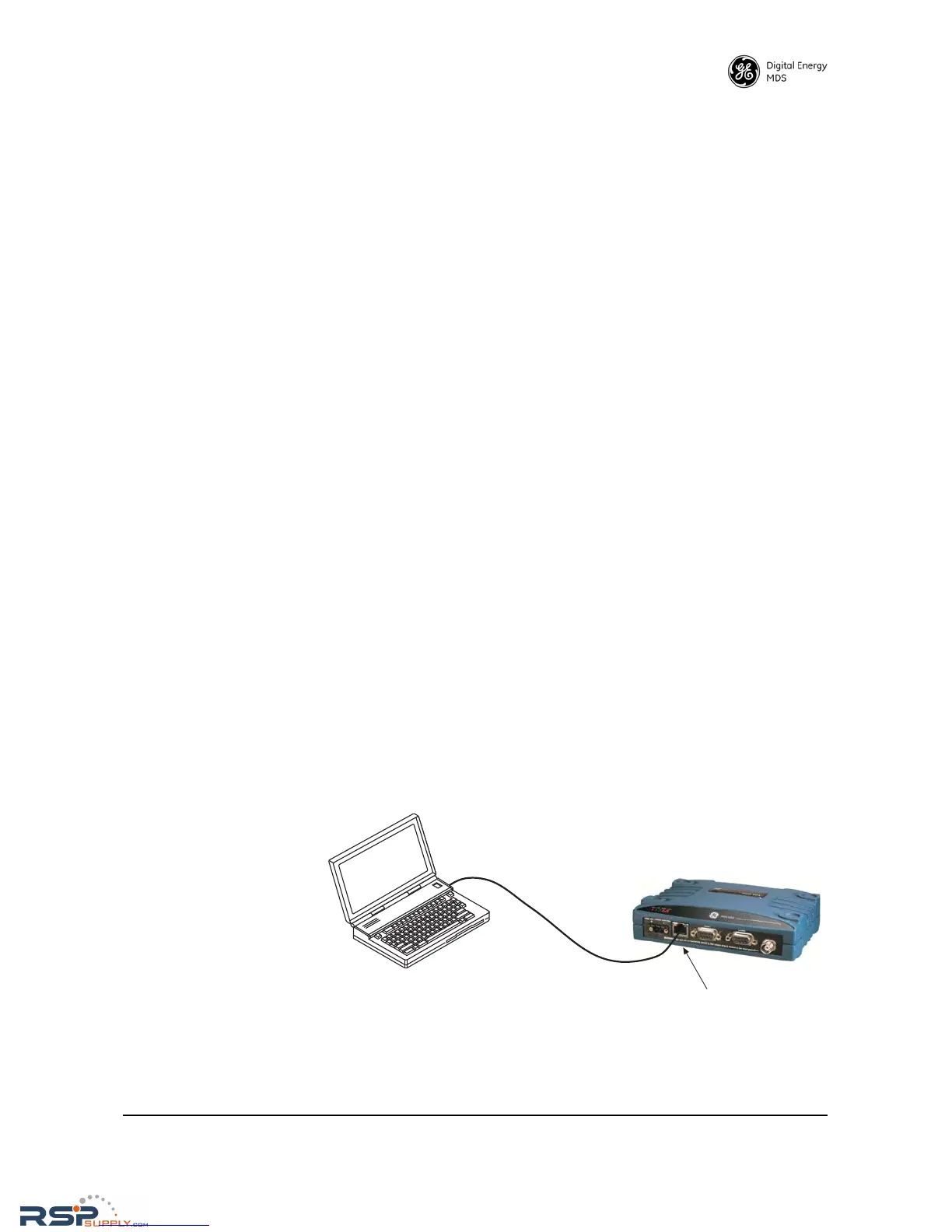
• An Ethernet cable connected between the PC’s Ethernet jack, and
the radio’s Ethernet jack as shown in Figure 21. (Alternatively, a
network connection may be used, as long as the radio can be
reached via its IP address.)
• The radio’s IP address. Check with your Network Administrator,
or determine the address from the radio’s
Overview>>SD Summary
screen. The default address for a factory shipped new radio is
192.168.1.1.
• The user name and password for the radio. Check with your Net-
work Administrator, or, if a username and password have not
been set, use the factory defaults of
admin for both entries. (For
security, a new password should be established as soon as possi-
ble after login.)
Invisible place holder
Figure 21. PC Connection to Radio for Web Management
Logging On
1. Connect the radio to a PC via an Ethernet connection.



 To Next Page