MDS 05-4846A01, Rev. D SD Series Technical Manual 29
Invisible place holder
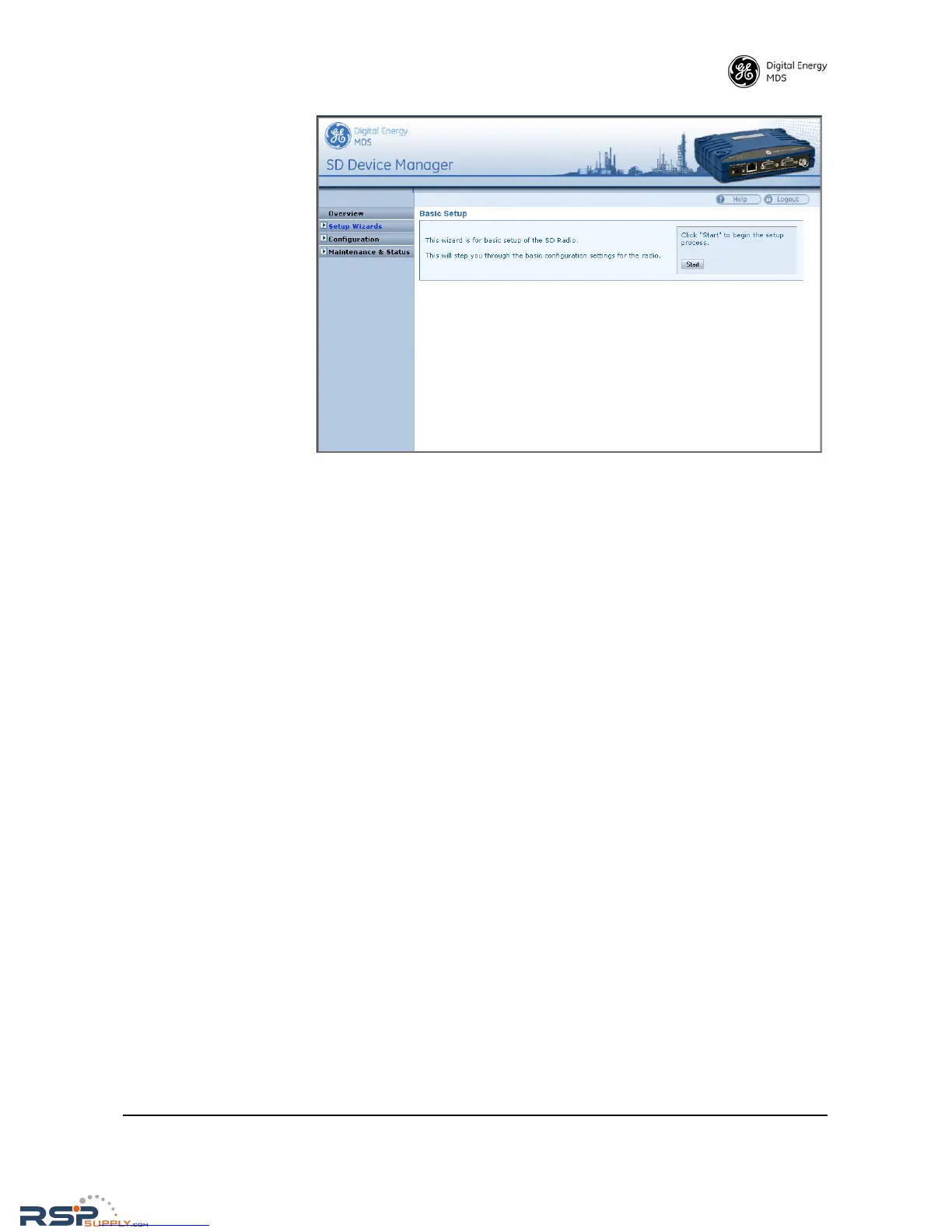
Figure 22. Basic Setup Wizard
5. At the conclusion of the wizard, click Done. Configuration is now
complete for the connected radio. Log out of the Device Manager by
clicking Logout in the upper right hand side of the screen. If desired,
you may proceed with the additional functions described below.
Using the Remote
Management Wizard
To program the key settings of other radios installed in the wireless net-
work, select Setup Wizards>>Remote Management, and follow the prompts
contained in that tool. At the conclusion of the wizard, click Commit Con-
figuration
, followed by Done. Remote configuration is now complete.
Getting an Overview
of Radio Settings
To get a top-level view of the key settings and operating parameters for
the radio, select Overview and a screen will be displayed. When finished,
log out of the Device Manager by clicking
Logout in the upper right hand
side of the screen.
5.2 Initial Startup & Checkout
In-service operation of the transceiver is completely automatic. Once
the unit has been properly installed and configured as described above,
operator actions are limited to observing the front panel LED indicators
for proper operation.
If all parameters are correctly set, operation of the radio can be started
by following these steps:
1. Apply DC power.
2. Observe the LED status panel for proper indications (Table 10).



 To Next Page