62 SD Series Technical Manual MDS 05-4846A01, Rev. D
Firmware Utilities
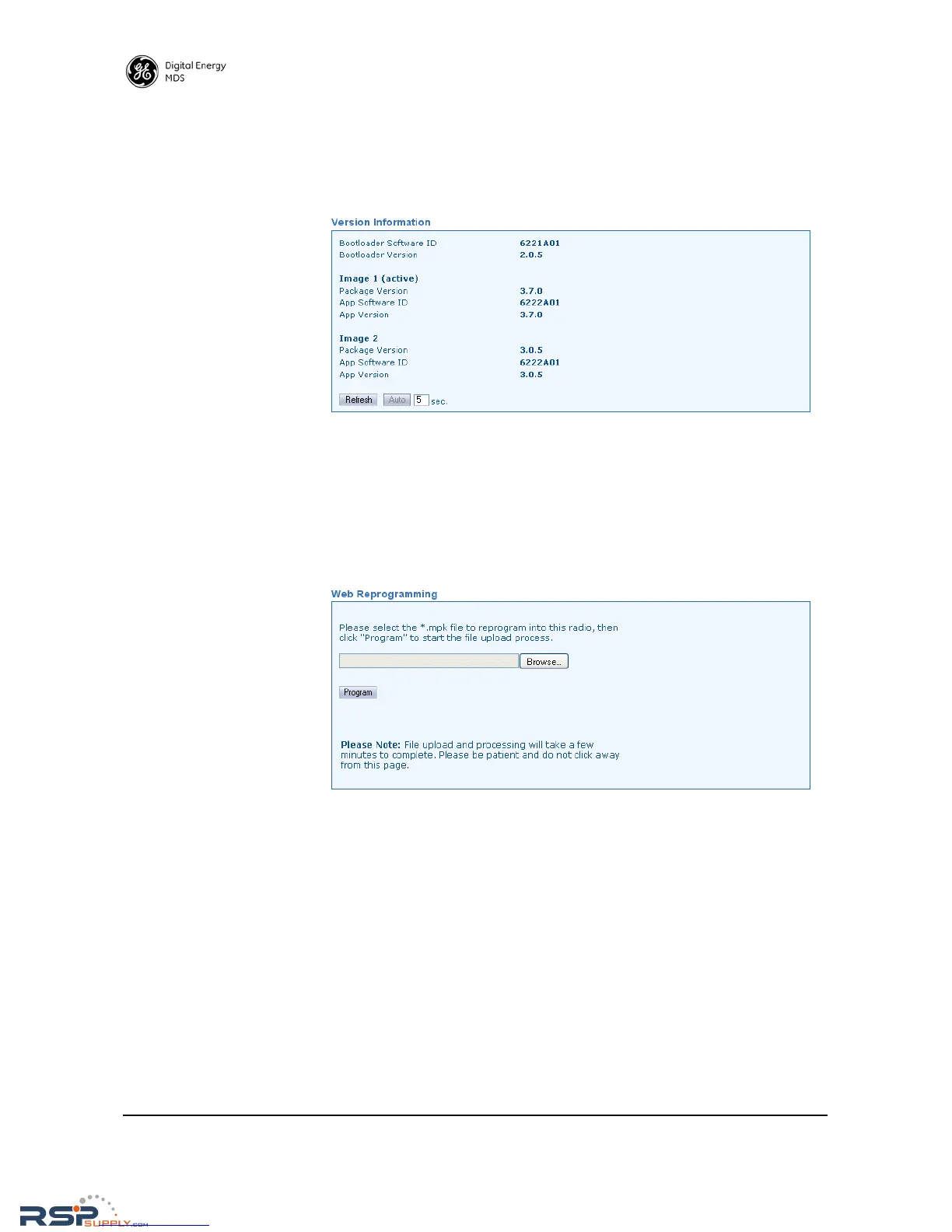
Version Information This screen shows Bootloader version information and indicates which
firmware image (1 or 2) is currently active, as well as the firmware ver-
sion of each image. The information on this screen is read-only.
• Refresh—Clicking this button updates the displayed information
on demand.
• Auto—Initiates automatic updating of the information. A time (in
seconds) may be entered in the box provided, to specify how often
the display is updated.
Web
Reprogramming
In the space provided, enter the *.mpk file to reprogram into this radio,
then click
Program to start the file upload process. Do not click away
from this page until the upload has finished processing.
RSPSupply - 1-888-532-2706 - www.RSPSupply.com
http://www.RSPSupply.com/p-8461-MDS-UP-SD9-MS2ES-Upgrade-Key-SD9-MS-to-SD9-ES.aspx



 To Next Page