66 SD Series Technical Manual MDS 05-4846A01, Rev. D
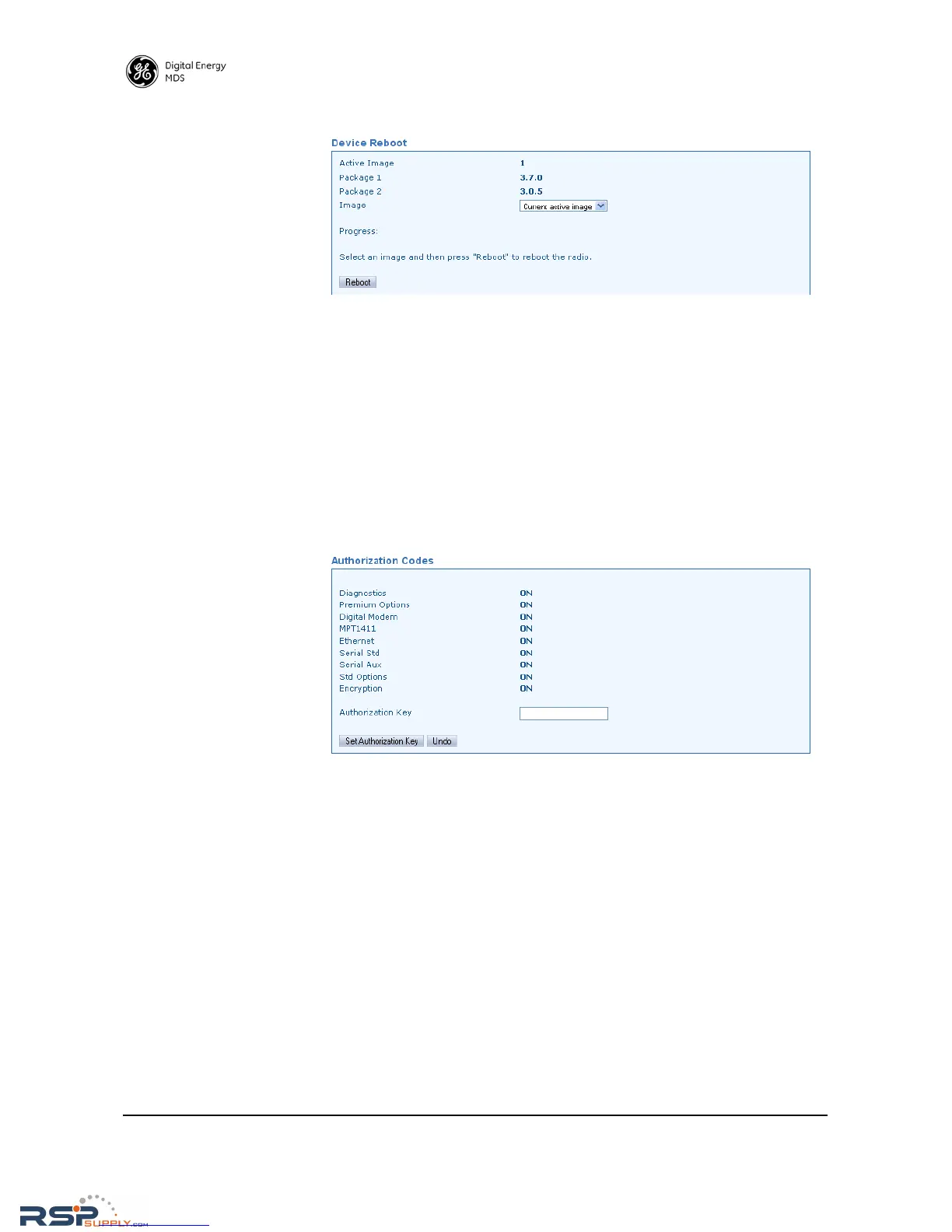
Device Reboot
• Active Image—Shows the firmware package currently being used
by the transceiver (1 or 2).
• Package 1—Shows the version of firmware package 1.
• Package 2—Shows the version of firmware package 2.
• Image—Allows selection of the firmware image to use when
rebooting: Current active Image, Image 1, Image 2, Inactive Image.
• Reboot—Initiates reboot of the radio with the selected firmware
image.
Authorization Codes This screen provides an overview of which features are enabled in the
transceiver and allows for entry of a new authorization key.
• Authorization Key—A factory furnished code used to enable oper-
ating features of the transceiver. Contact your factory representa-
tive for ordering details.
RSPSupply - 1-888-532-2706 - www.RSPSupply.com
http://www.RSPSupply.com/p-8461-MDS-UP-SD9-MS2ES-Upgrade-Key-SD9-MS-to-SD9-ES.aspx



 To Next Page