MDS 05-4846A01, Rev. D SD Series Technical Manual 43
Media Access
Control
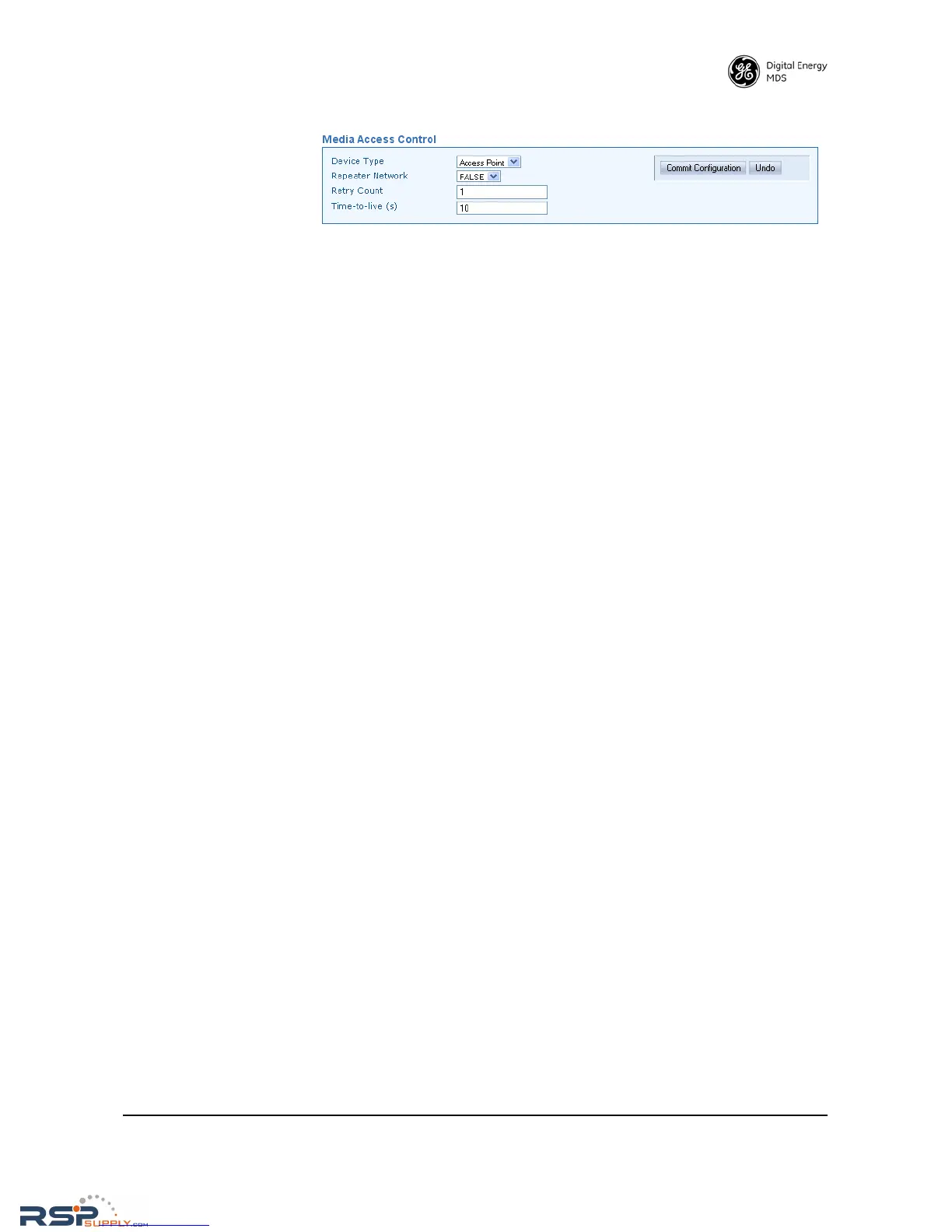
• Device Type—Selects either Access Point or Remote. An Access
Point serves as the Controller of the RF network. Only one radio
should be configured as an AP. Typically this is the “polling mas-
ter.” A Remote is connected to end devices in the field (e.g. PLC,
RTU), and there can be any number of these in a network. Each
Remote must have a unique Unit Address, however, which is set
on the Diagnostic Settings screen (see below).
• Repeater Network—(AP Only) This setting must be enabled if the
RF network contains a P70 SD repeater, or communications will
not work. Remotes automatically learn this setting from the AP.
• Retry Count—If a message is not acknowledged after transmission
it will be resent. This value controls how many times the radio
attempts to resend the message before discarding it.
• Time-to-Live (s)—When a message arrives from the payload inter-
face(s) it is time-stamped and queued for radio transmission. If
the radio cannot transmit the message before the Time-to-live
(TTL) value, the message is discarded. This helps prevent stale or
old data from being sent over the air.



 To Next Page