68 SD Series Technical Manual MDS 05-4846A01, Rev. D
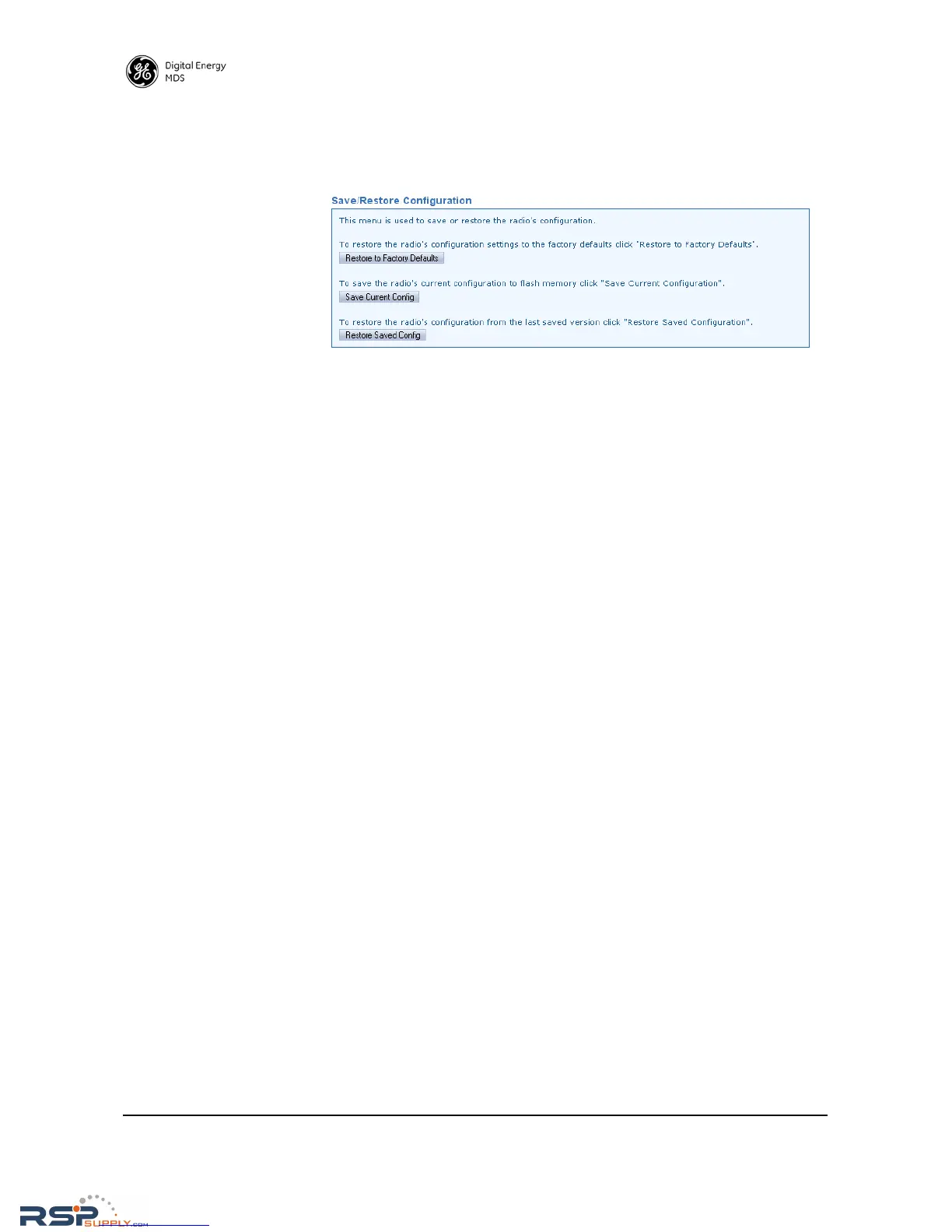
Save/Restore
Configuration
This screen allows saving or restoring a configuration file for the trans-
ceiver. Saving a configuration file can be helpful in future trouble-
shooting tasks, as it allows reverting to a “known good” configuration
of the radio.
• Restore to Factory Defaults—Click this button to restore the radio's
configuration settings to the factory defaults.
• Save Current Config—Click this button to save the radio’s current
configuration to flash memory.
• Restore Saved Config—Click this button to restore the radio’s con-
figuration from the last saved version.
RSPSupply - 1-888-532-2706 - www.RSPSupply.com
http://www.RSPSupply.com/p-8461-MDS-UP-SD9-MS2ES-Upgrade-Key-SD9-MS-to-SD9-ES.aspx



 To Next Page