MDS 05-4846A01, Rev. D SD Series Technical Manual 53
Required might be useful in cases where only a small number peo-
ple with administrative duties have physical access to the radio,
and need to access the menu frequently. In this mode, the menu
operation behaves identically to the Administrator level login.
•
Telnet Access—Telnet access is a powerful feature that allows
management of the radio via an Ethernet connection. This may be
done locally, using a cable connected to the management PC, or
could be performed at any distance using an IP/Ethernet network
connection. Telnet access is also possible over the air if the Ether-
net Bridging feature is enabled. Any user with the IP address of
the radio can log in to the unit with this method.
•
Web Access—Setting determines whether the unit’s Device Man-
ager can be accessed via a web connection.
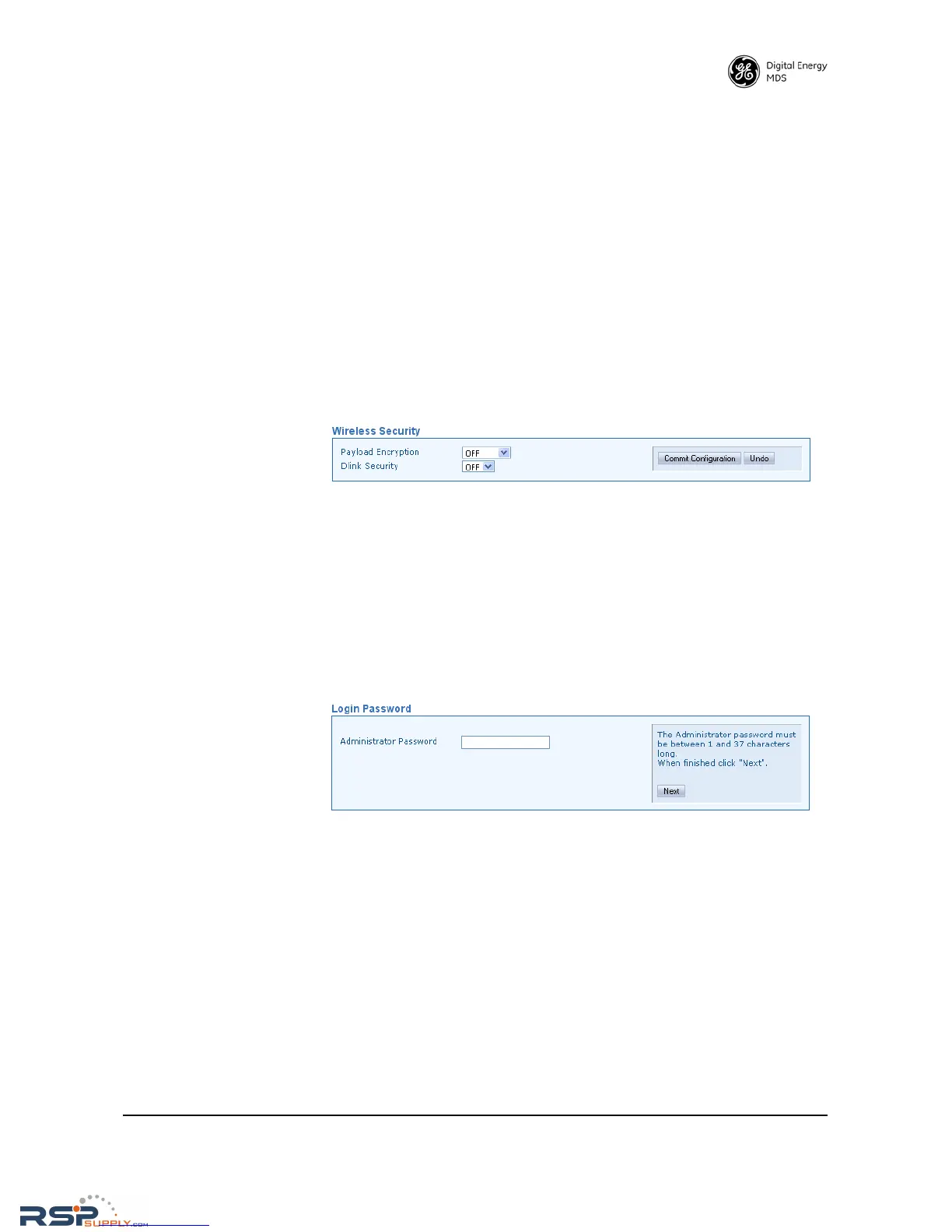
Wireless Security
• Payload Encryption—When on, applies encryption to payload data
stream. The default selection is OFF.
• Dlink Security—Applies security restrictions to network-wide
diagnostic data. The default setting is OFF. If Dlink Security
enabled, users performing network-wide diagnostics must log in
before being able to change the configuration of the radio via
Dlink.
Login Password
• Administrator Password—When the transceiver is shipped from the
factory, the password is normally set to the default entry of admin.
However, it is recommended that it be changed at the time of
installation to one that is known only to the Administrator or
authorized user of the system. The password should be changed
periodically to maintain the best security.
Passwords are case sensitive and may use up to 13 alpha-numeric
characters. Do not use punctuation mark characters. You will be
required to enter the current password to set a new one. Follow the
prompts, and refresh your web browser (typically View>>Refresh
or
View>>Reload at the top menu bar) to apply the change to all
pages.



 To Next Page