MDS 05-4846A01, Rev. D SD Series Technical Manual 71
7.1 LED Indicators
The LED status indicators are an important troubleshooting aid, and
should be checked whenever a problem is suspected. Table 10 on
Page 30 describes the function of each status LED and their normal indi-
cations.
7.2 Checking for Alarms/Events
When an alarm condition exists, the transceiver registers it as an
“event”. These events can be viewed the Device Manager’s Maintenance
& Status>>Alarm Summary>>All Alarms/Events screen. Here, users can check
for currently active alarms, whether they be Major, Minor, Status Con-
ditions, or Informational Events.
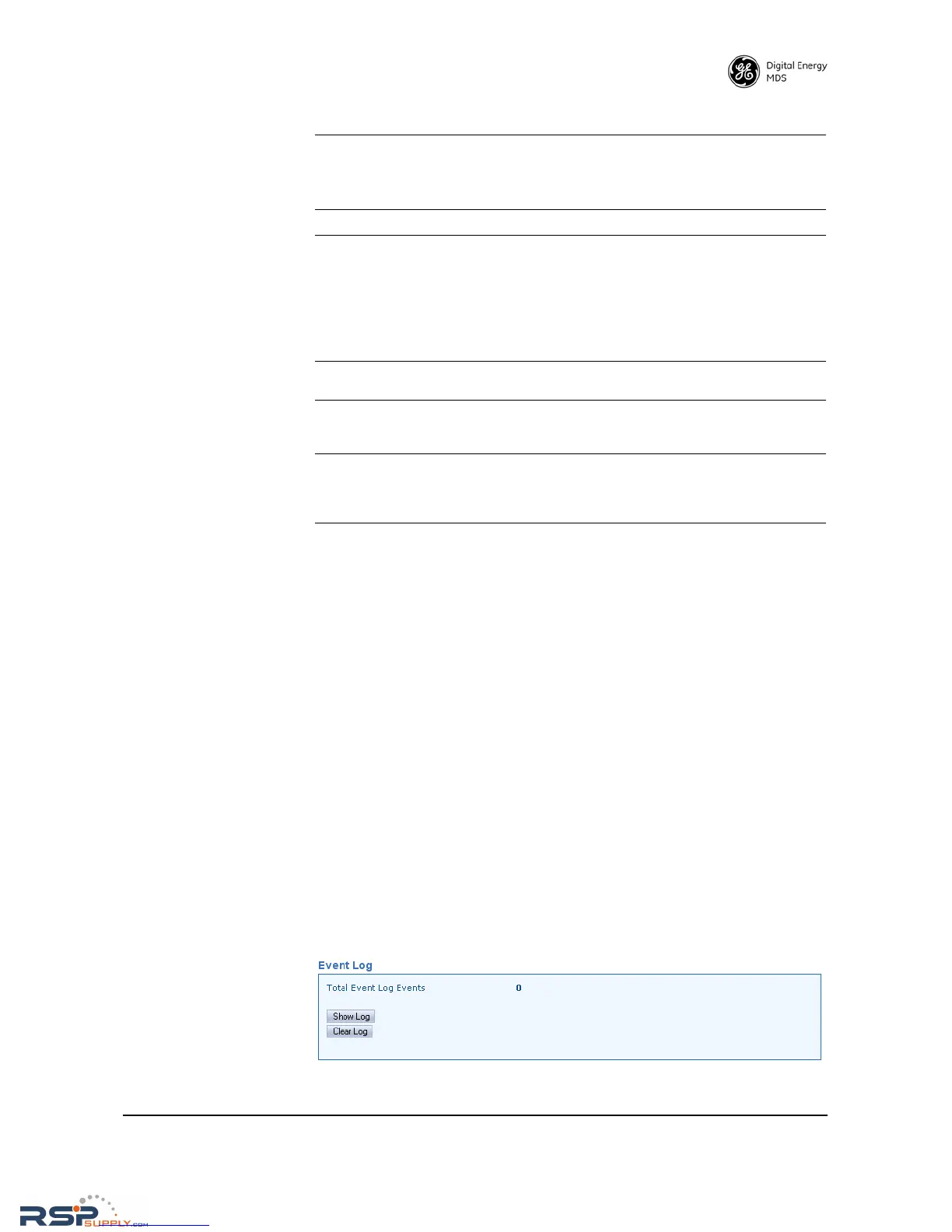
In addition, all historical events may be viewed by accessing the Device
Manager’s Event Log screen. To access the Event Log, select
Mainte-
nance & Status>>Event Log
and click Show Log to view stored events (see
Figure 27).
Invisible place holder
Figure 27. Event Log Screen
BER is too high.
Data throughput is
spotty.
a. If in packet mode, check the packet settings screen for
proper configuration.
b. If in serial mode, check the COM2/COM1 port settings
screen for proper configuration.
Latency is too high.
a.
Adjust packet node settings.
Unit won’t wake up
from Sleep Mode
a. Disconnect the device connected to COM2, and disable
Sleep Mode on the Device Settings Screen.
b. Verify that the connected device is outputting the required
0 Vdc to 5 Vdc to control sleep mode on Pin 4 of COM2.
Correct as necessary.
c. Re-enable Sleep Mode on Device Settings Screen,
re-connect device to COM2, and check for proper operation.
Password lost or
forgotten
Contact GE MDS for password reset authorization code.
Proof of authorized user required.
Alarm message
“RF Output Out of
Range”
No load on Antenna connector or poor/shorted/open load.
Check condition of antenna cable, connectors, and antenna
system.
Transmitter keys
when using terminal
communications
program.
Many terminal programs raise the RTS line by default.
Keying can be avoided by setting the transceiver’s RTSkey
parameter to OFF (Radio Configuration>>Advanced
Settings Screen)
Table 14. Troubleshooting Guide (Continued)



 To Next Page