MDS 05-4846A01, Rev. D SD Series Technical Manual 39
The remainder of this section covers the screens for Configuration,
Maintenance, and Status of the transceiver. The emphasis is on available
selections, how to access them, and their effect on radio operation. If
you are unsure of the setting required for a particular radio in your net-
work, consult your Network Administrator for assistance.
NOTE: The Device Manager screens shown in this manual were
obtained from a radio operating in a lab environment and are
provided as examples only. The parameters and settings shown
may differ from those seen in field service conditions.
6.3 Configuration Screens
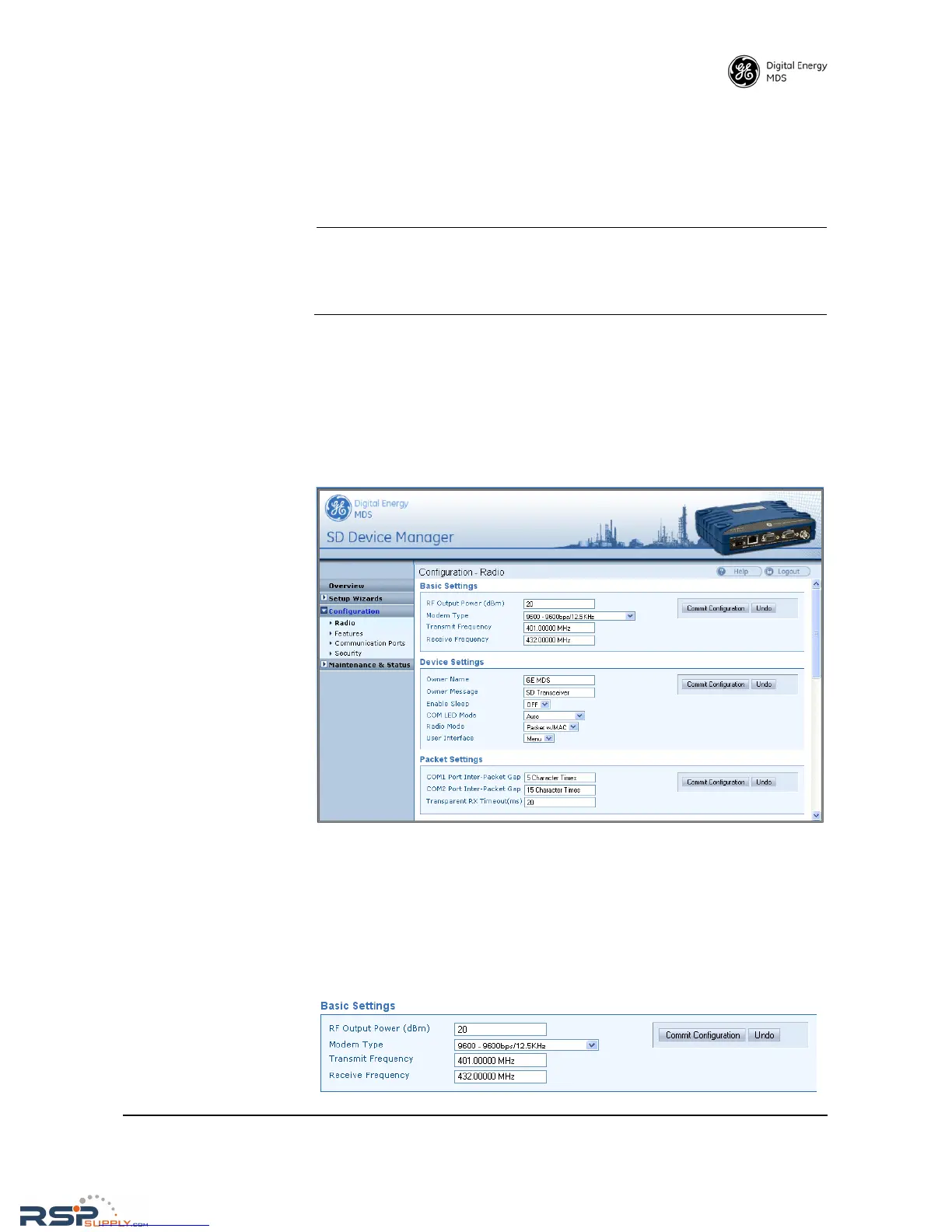
The Configuration screen (Figure 25) contains a number of key settings
for the radio, including RF parameters, modem selection, packet set-
tings, MAC parameters, and several advanced settings. Individual
screens may be selected beneath Configuration on the left side of the
screen.
Figure 25. Configuration Screen
(Portion of screen shown—scroll for additional selections)
Radio
Basic Settings The Basic Settings screen contains important RF and modem selections
for radio operation, as discussed below.



 To Next Page