MDS 05-4846A01, Rev. D SD Series Technical Manual 55
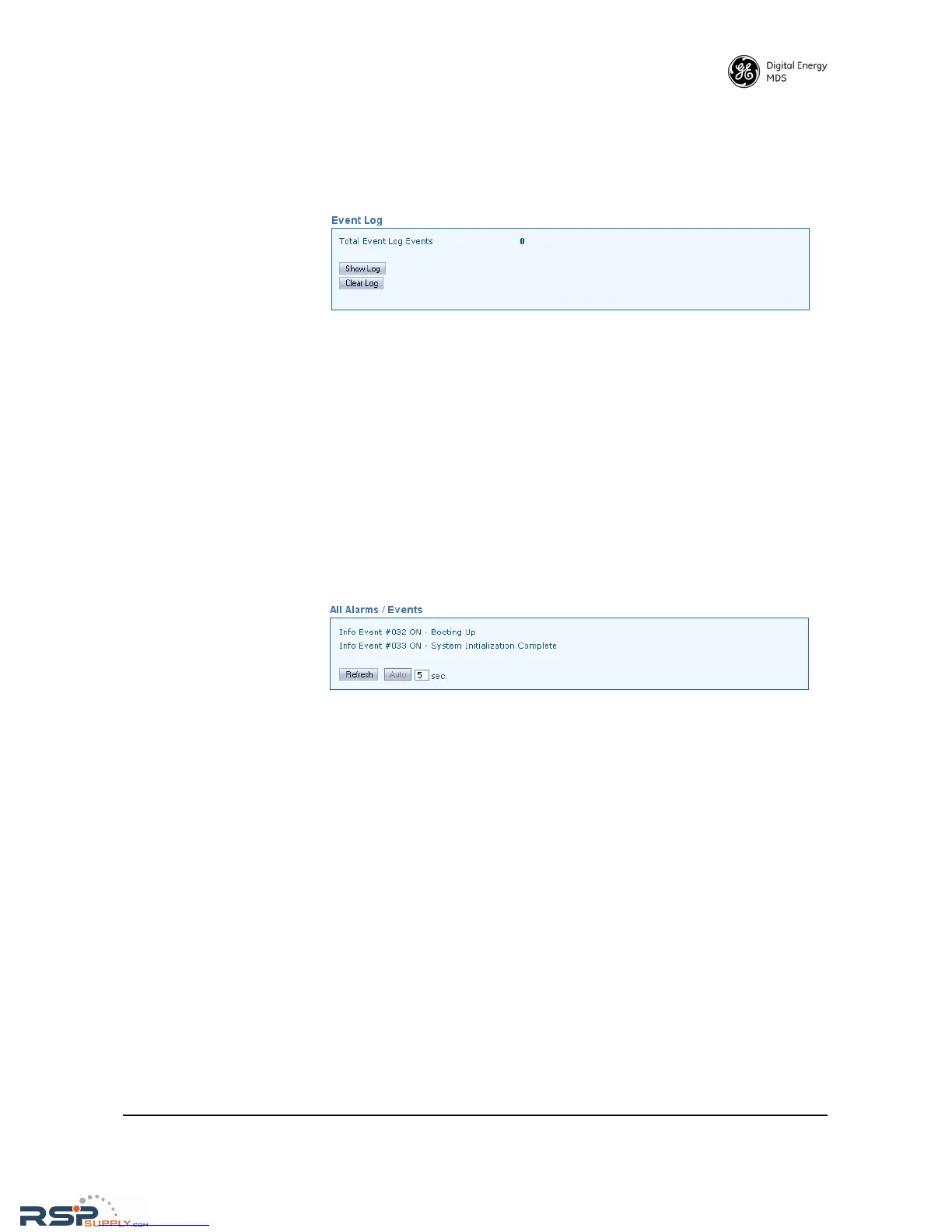
Event Log
The Event Log is used to display all events stored by the transceiver,
even if the radio has been power-cycled. It also shows a running total of
the alarms stored.
• Total Event Log Events—Displays the number of events that have
been logged by he transceiver. To view the Event Log, click Show
Log
. The listed events can be cleared by clicking Clear Log. (You
will be challenged by a cautionary message to make sure that you
intend to clear the event log.)
Alarm Summary
All Alarms / Events This screen provides a listing of all events and alarms since power-up of
the transceiver. Events include alarms (major and minor), status condi-
tions, the status of the Alarm Output Signal. A hexadecimal code is also
shown for active alarms. This code is useful for processing alarm reports
by automated equipment.
• Refresh—Clicking this button manually updates the listed
alarms/events with the latest information.
•
Auto—Initiates automatic updating of alarm/event listings. A
time (in seconds) may also be set in the box provided, to specify
how often alarms/events are updated.



 To Next Page