42 SD Series Technical Manual MDS 05-4846A01, Rev. D
• Radio Mode—The radio can operate in one of several modes. The
available selections are: Packet, Packet with MAC, x710, and
Transparent.
• User Interface—This parameter selects the method of radio man-
agement. The default selection is Menu, which presents the type of
screens shown in this manual. Alternatively, you may select CLI,
which switches the radio to a Command Line Interface. With a
CLI interface, commands are entered in text-based fashion, as
described in the SD Serial/Telnet Management Supplement, Part
No. 05-6193A01 more information.
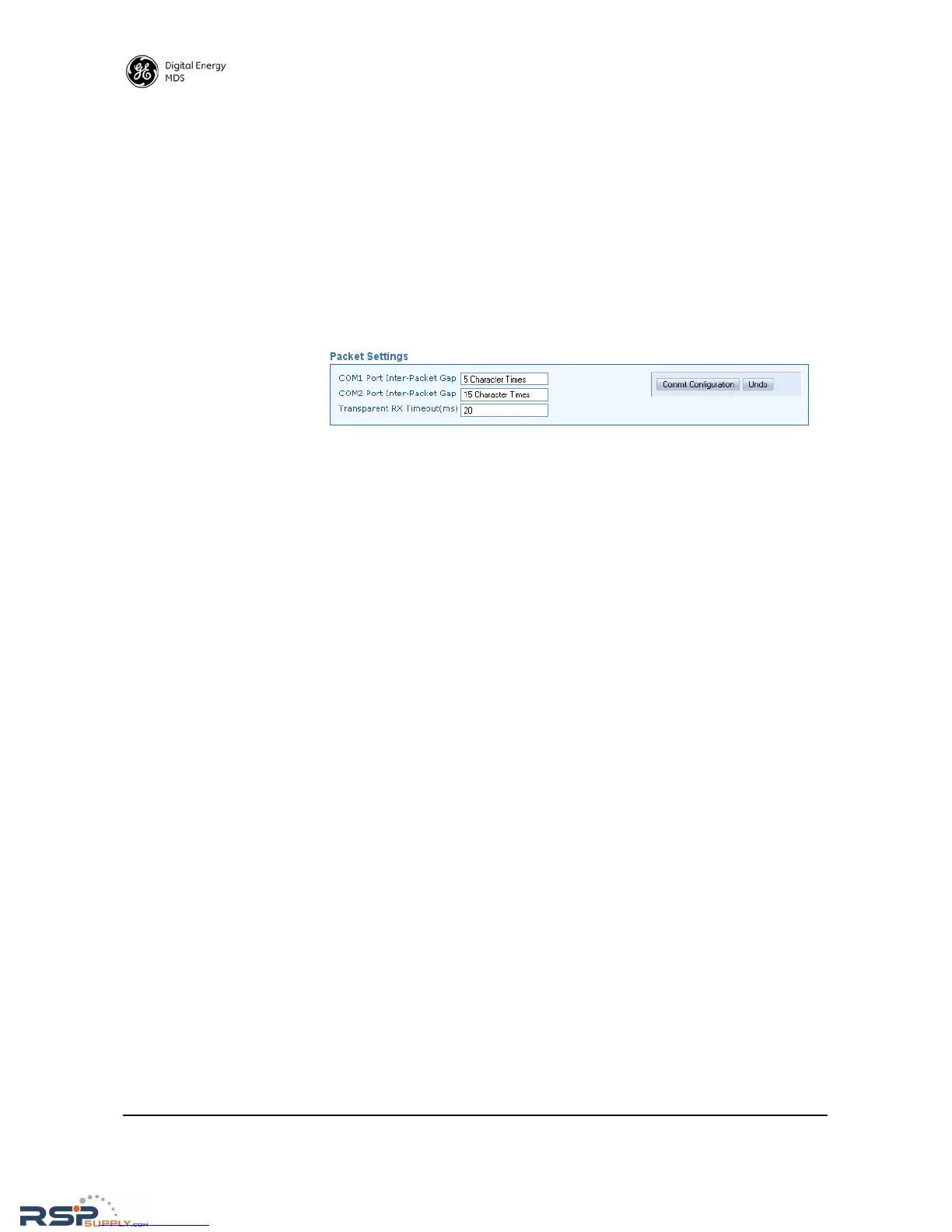
Packet Settings
• COM1/COM2 Port Inter-Packet Gap—Timing setting used to delimit a
packet on the serial interface for radios operating in Packet Mode.
Too short of a time can cause serial streams to be combined into
one large packet instead of two smaller ones. Too long of a time
can effectively slow down the communications channel. The
Inter-Packet Gap is specified by the number of character times
(the time it takes to send an individual character).
• Transparent RX Timeout (ms)—This setting is similar to the timing
parameters for COM1/COM2 Inter-Packet Gap, but it applies to data
received over-the-air. It tells the radio how to build an Ethernet
packet based on a transparent data stream received over the radio
channel.



 To Next Page