GEK-106426B MIB High Impedance Bus Differntial Relay 4-21
4 COMMUNICATIONS 4.6 COMMUNICATION
4
4.6.1.4 PRINT SCREEN
When the Print Screen button is pressed, a new window appears asking if the user wants to capture the entire screen or
only the active window (the one with all the communication parameters). Yes means capturing the whole screen and No
means capturing only the communications window.
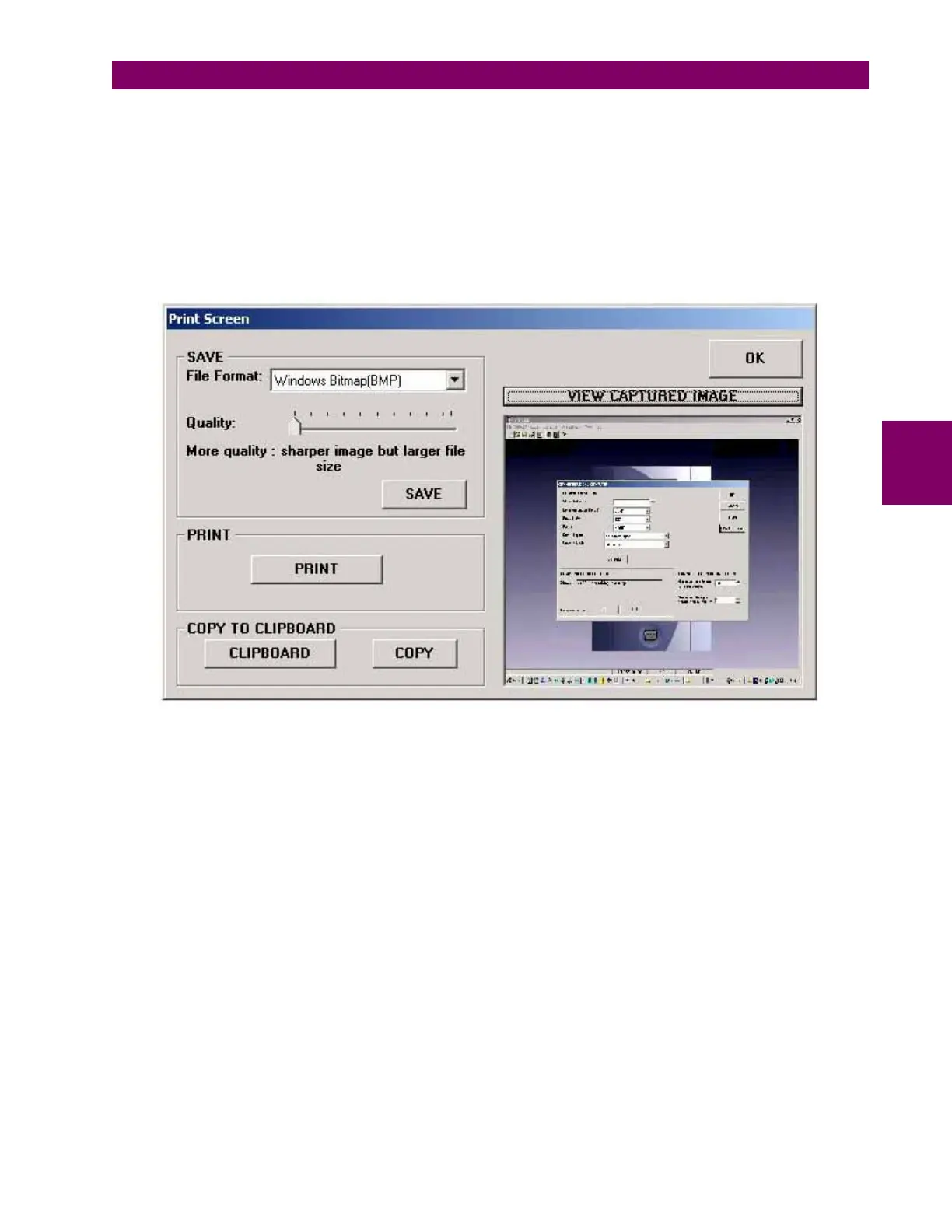
Then a new window appears allowing to view the captured screen, to save the captured file in BMP or JPG format, or to
print it (the print dialog window will appear so as the user can select which printer to use and enter the appropriate printer
settings).
Figure 4–24: PRINT SCREEN







 To Next Page