page | 96
Basic Operation
Web Interface
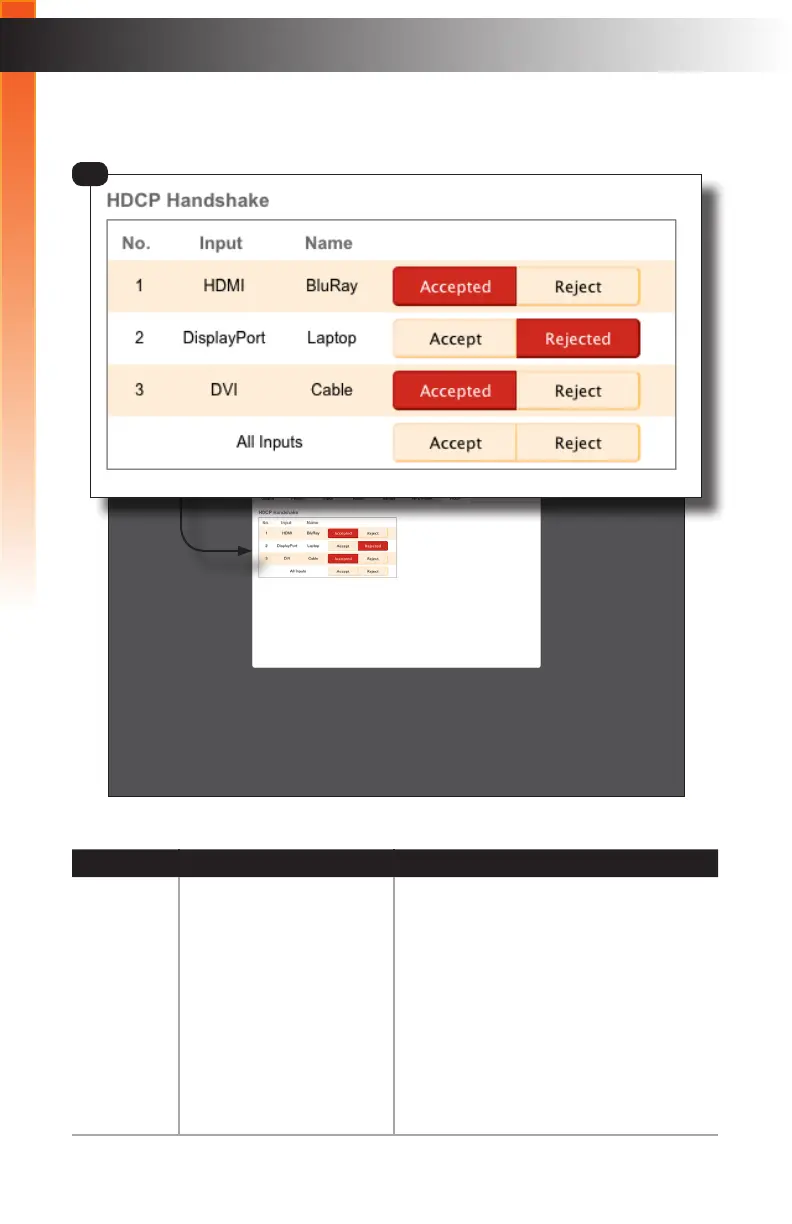
Setup ► HDCP
ID Name Description
1 HDCP Handshake Controls whether the source transmits
HDCP content to the Multi-Format
Processor. Click the Accepted button to
allow the source to transmit HDCP. Click
the Rejected button to prevent HDCP
content from being transmitted.
To allow all sources to transmit HDCP,
click the Accept button, in the row labeled
“All Inputs”. To prevent all sources from
transmitting HDCP content, click the Do
Not Accept button
1
Basic Operation



 To Next Page