page | 90
Web Interface
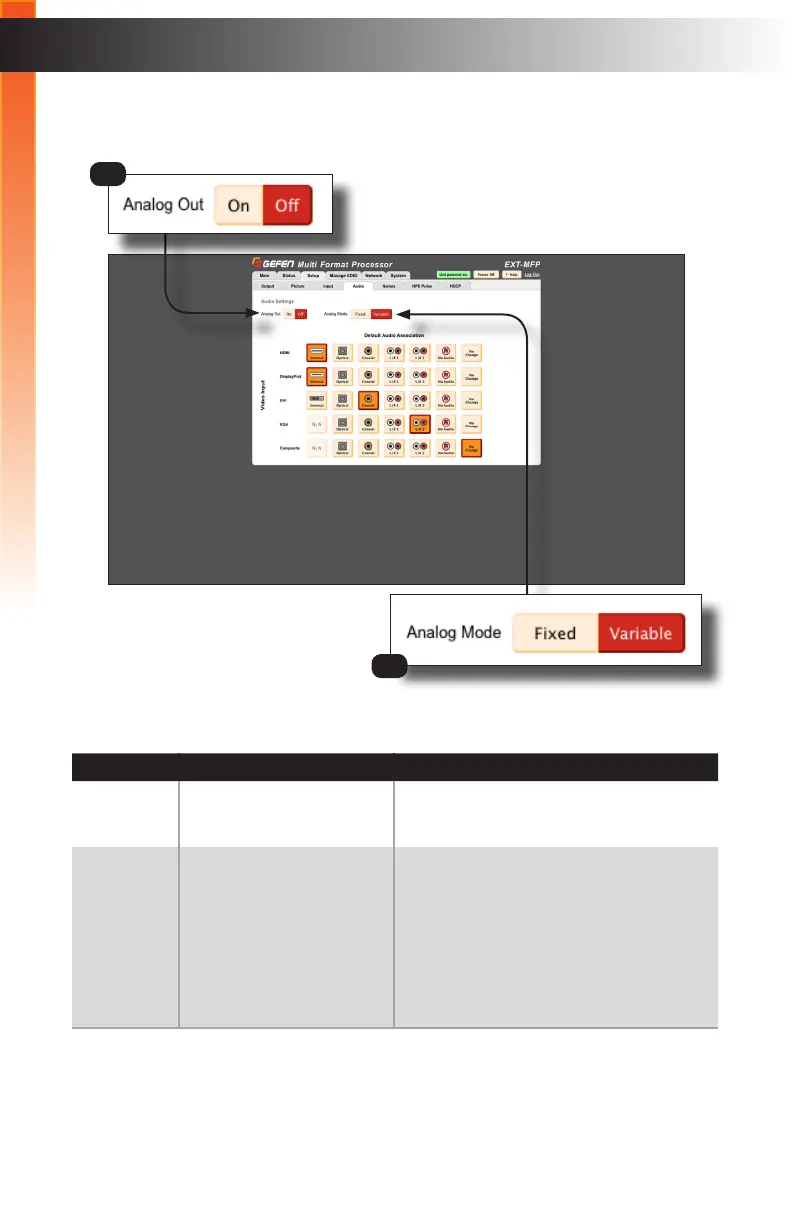
Setup ► Audio
ID Name Description
1 Analog Out Click these buttons to enable or disable
analog audio output.
2 Analog Mode Click these buttons to toggle between xed
or variable analog output. If set to “Fixed”,
then the Volume control (on the Main tab)
is disabled. If set to “Variable”, then the
Multi-Format Processor controls the audio
output level using the Volume control on
the Main tab. See Main (page 81) for
information on the Volume control.
1
2
Basic Operation
Basic Operation



 To Next Page