page | 31
Basic OperationBasic Operation
Menu System
Adjusting the Color Temperature
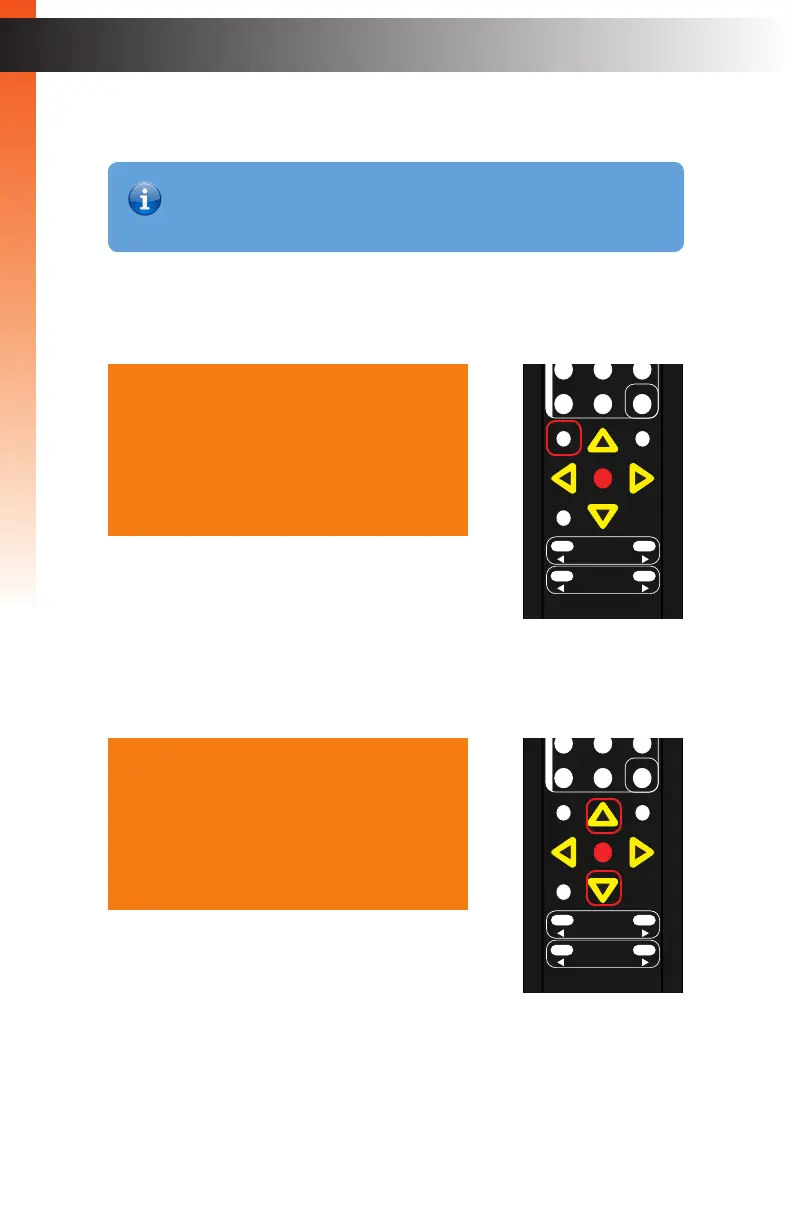
1. Press the Menu button on the IR remote control. The Output Setup option will
automatically be highlighted.
2. Press the ▲ or ▼ buttons to highlight the Picture option.
Output Setup
Picture
Adjust
Audio
Network
System
Exit
Output Setup
Picture
Adjust
Audio
Network
System
Exit
OK
Resolution
Menu
Exit
L/R 1
Int
VGA
HDMI
Off On
DP DVI
Comp Mask
Optical Coaxial
L/R 2 Mute
Info
Vol -
Vol +
Aspect Ratio
Audio
OK
Resolution
Menu
Exit
L/R 1
Int
VGA
HDMI
Off On
DP DVI
Comp Mask
Optical Coaxial
L/R 2 Mute
Info
Vol -
Vol +
Aspect Ratio
Audio
Information
The Color Temperature menu option is only available when using
a VGA input signal.



 To Next Page