page | 20
Basic OperationBasic Operation
Basic Operation
Menu System
Displaying the Input / Output Resolution
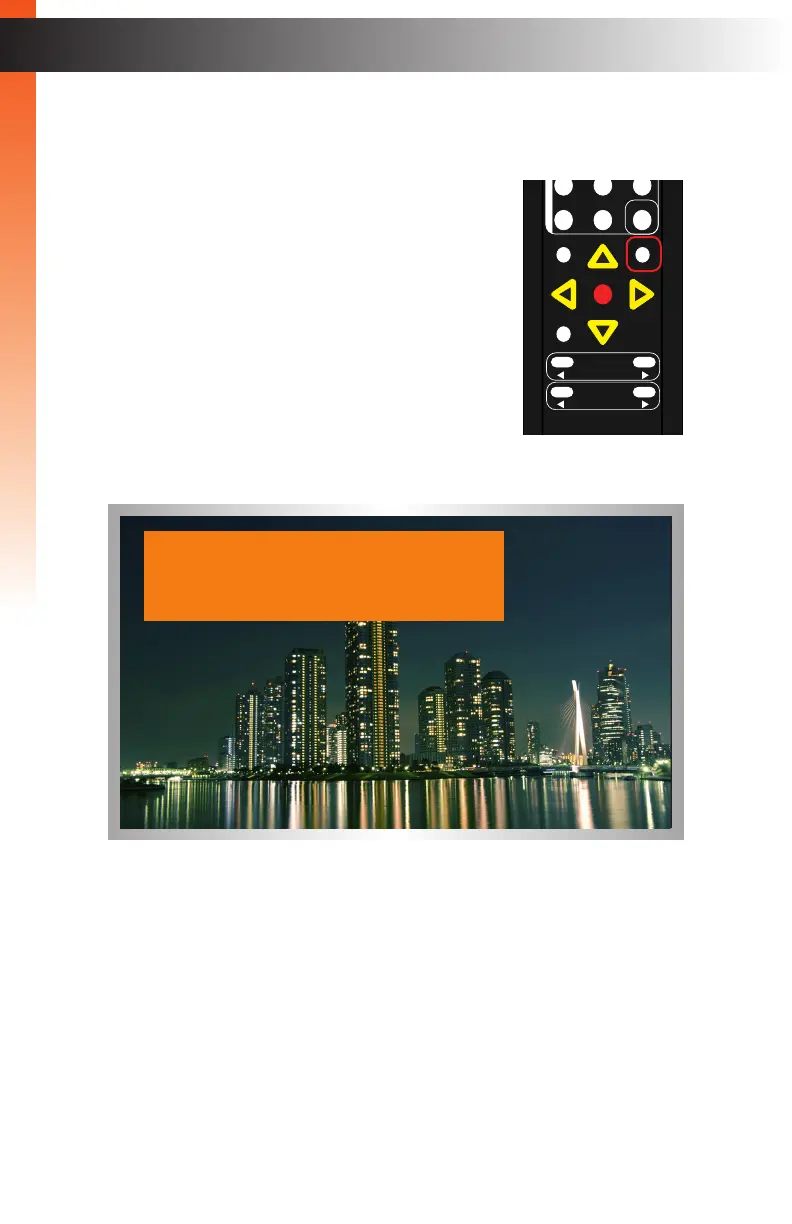
1. Press the Info button on the IR remote control.
2. The Display Notify will be displayed .
3. The Display Info window will automatically disappear after the timeout period has
expired. You can also press the Info button again to dismiss the Display Info window
before the timeout period.
To set the timeout period, see Display Notify (page 72).
OK
Resolution
Menu
Exit
L/R 1
Int
VGA
HDMI
Off On
DP DVI
Comp Mask
Optical Coaxial
L/R 2 Mute
Info
Vol -
Vol +
Aspect Ratio
Audio
IN : HDMI
1280 x 720 / 60
OUT: 720p60



 To Next Page