page | 17
Accessing the Menu System
Input selection can be controlled using the front panel of the The Multi-Format Processor.
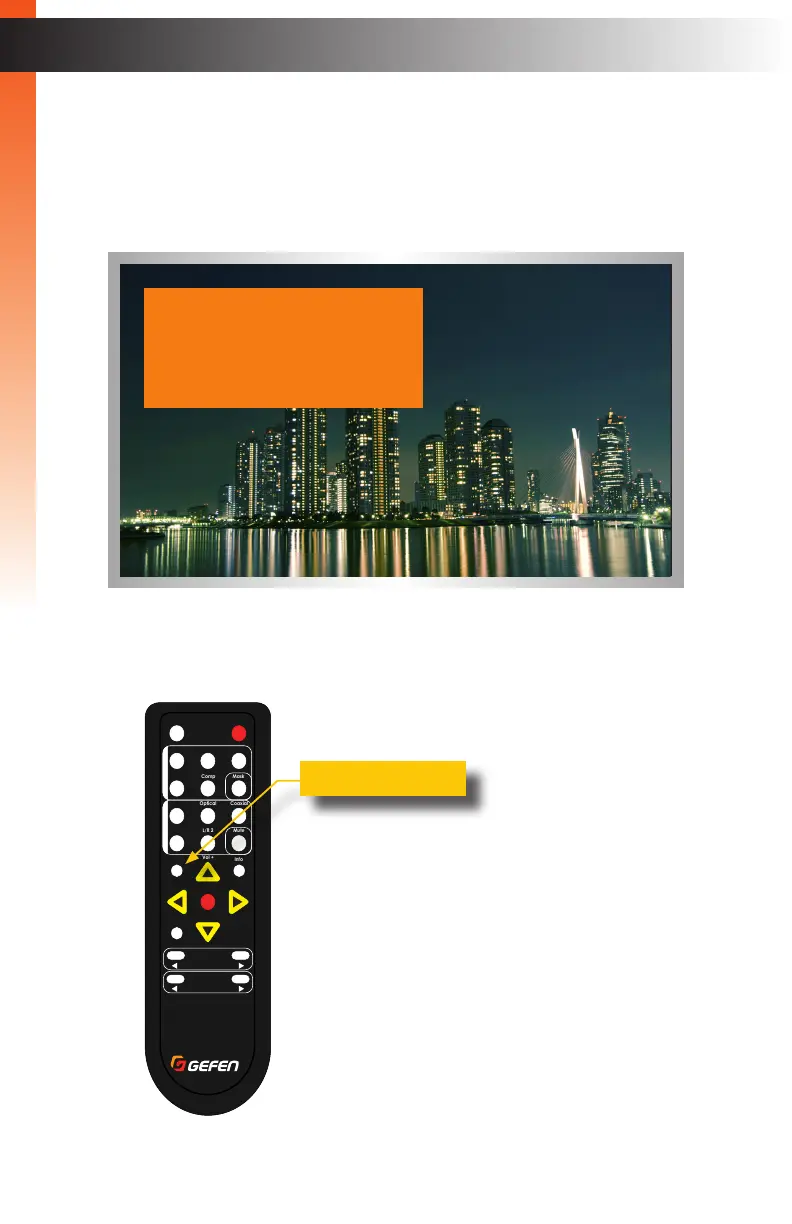
However, the included IR remote control must be used to access the built-in menu system.
The menu system is used to manage and control both audio and video features.
To access the menu system, press the Menu button on the included IR remote control.
The default time-out value for the menu system is 5 seconds. This value can be changed
under the System (page 108) section of the menu system.
Basic OperationBasic Operation
Menu System
®
RMT-MFP
OK
Resolution
Menu
Exit
L/R 1
Int
VGA
HDMI
Off On
DP DVI
Comp Mask
Optical Coaxial
L/R 2 Mute
Info
Vol -
Vol +
Aspect Ratio
Audio Video
Output Setup
Picture
Adjust
Audio
Network
System
Exit
Menu button



 To Next Page