page | 7
Getting Started
Introduction
Installing the Batteries
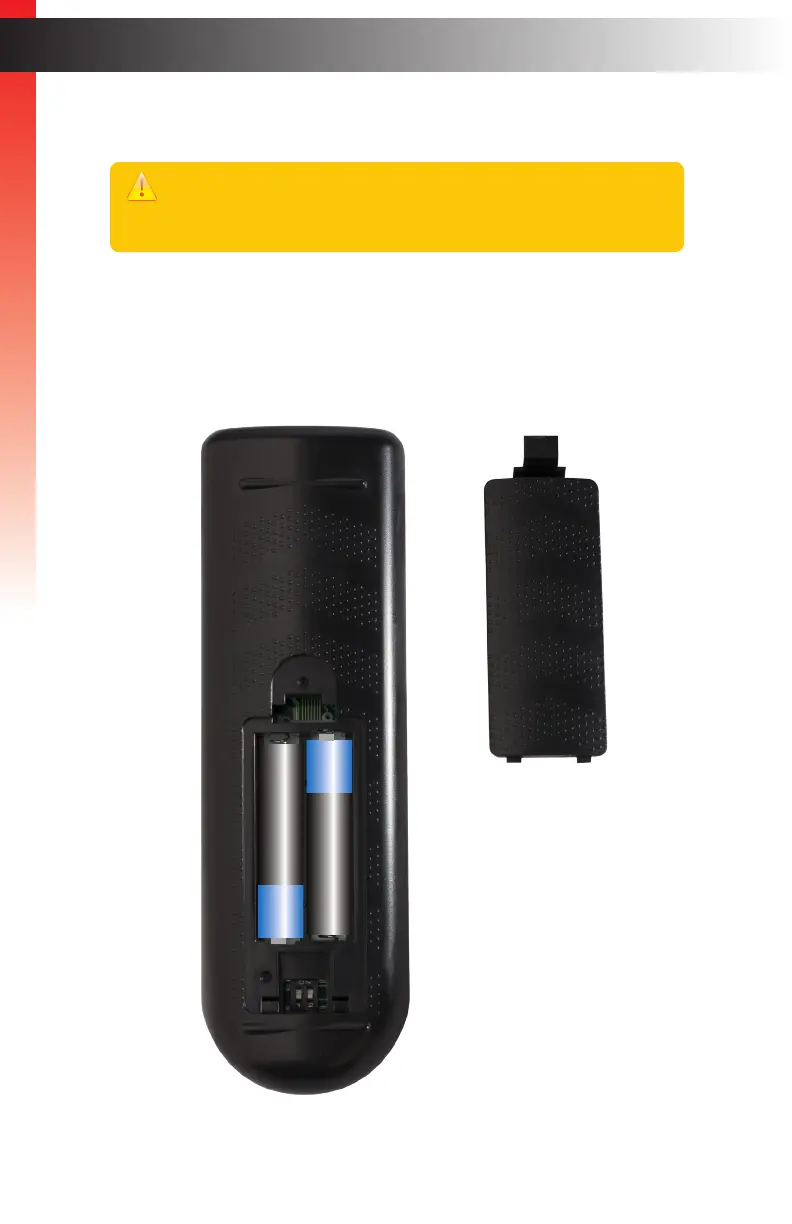
1. Remove the battery cover on the bottom of the IR remote control unit.
2. Make sure that the batteries are installed with the correct polarity, as shown in the
illustration, below. Always use two 1.5V AAA-type batteries.
3. Replace the battery cover.
_
+
_
+
Warning!
Risk of explosion if battery is replaced by an incorrect type. Dispose of used
batteries according to the instructions.



 To Next Page