Basic OperationBasic Operation
page | 77
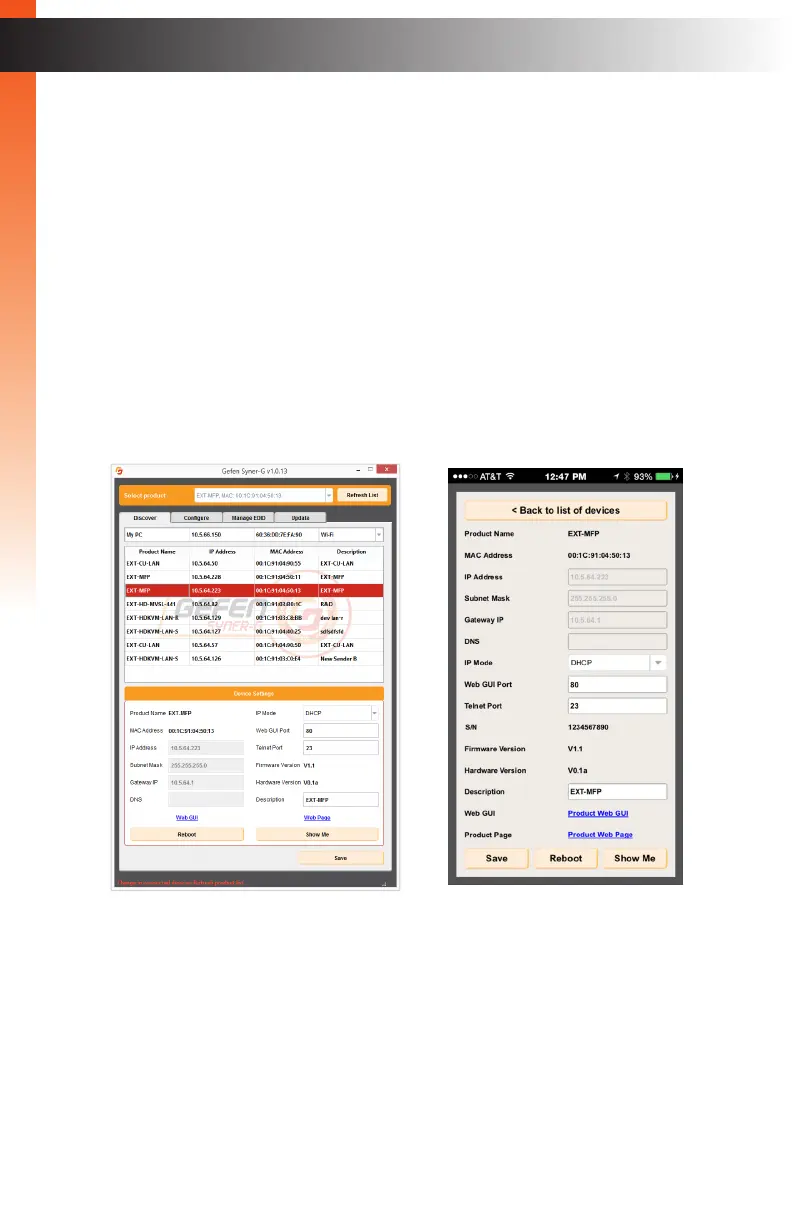
Gefen’s new Syner-G Discovery Tool makes it easy to set up IP Control for your
Multi-Format Processor!
With the Syner-G Discovery Tool, you don’t need to be an IT Expert to set up a new
network device. You can easily congure or operate your Multi-Function Processor from
any Windows PC, laptop, iOS or Android smart phone or tablet.
Gefen Syner-G Software Suite is a free download from www.gefen.com/synerg,
or you can download the free Syner-G Discovery Tool App from the Apple App Store
or the Google Play Store.
Download the App or the software and install it on your PC, laptop, or smart phone.
Make sure your PC or phone is on the same network that the Multi-Format Processor is
connected to and that the Multi-Format Processor is connected to power.
(continued on next page)
Syner-G Software Suite Syner-G Discovery App
Syner-G Discovery Tool



 To Next Page