page | 39
Basic OperationBasic Operation
Menu System
Using Auto Size
The Auto Size feature automatically adjusts the clock and phase of the incoming VGA
signal. If the alignment of the picture is incorrect then use this feature to correct it.
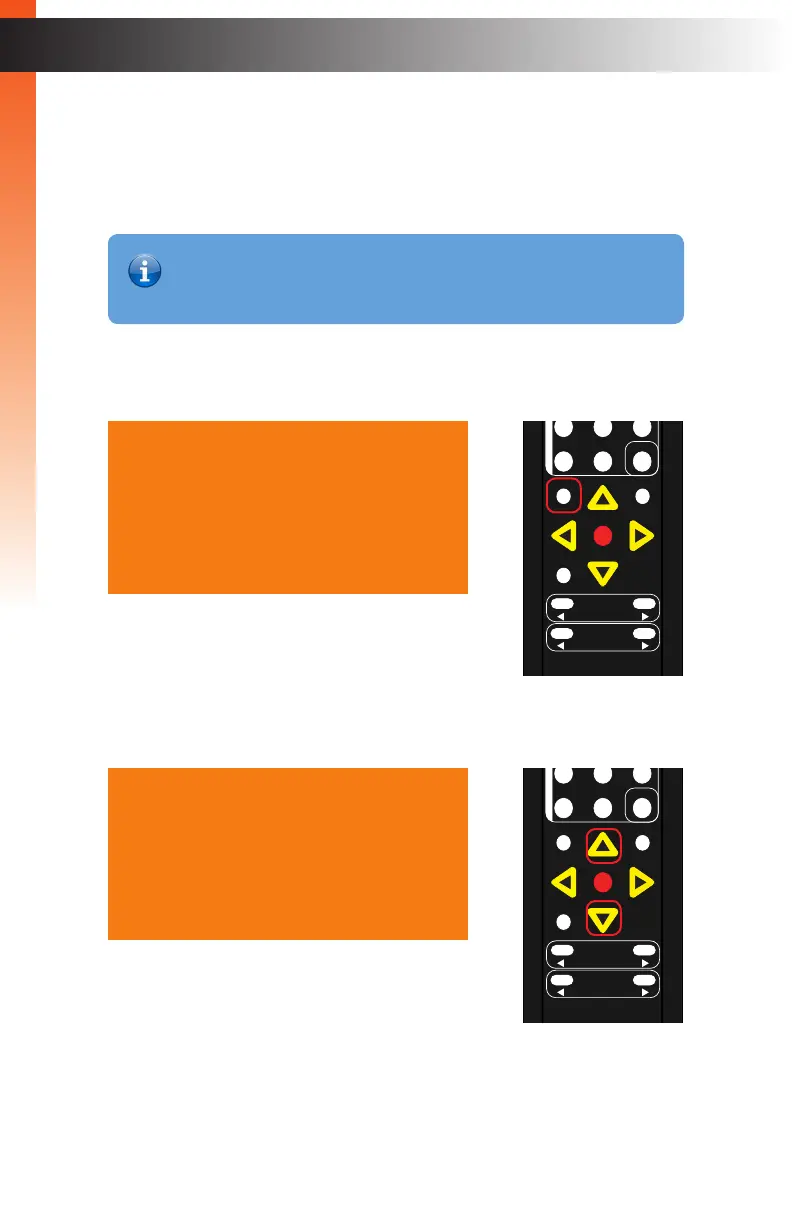
1. Press the Menu button on the IR remote control. The Output Setup option will
automatically be highlighted.
2. Press the ▲ or ▼ buttons to highlight the Adjust option.
Output Setup
Picture
Adjust
Audio
Network
System
Exit
Output Setup
Picture
Adjust
Audio
Network
System
Exit
OK
Resolution
Menu
Exit
L/R 1
Int
VGA
HDMI
Off On
DP DVI
Comp Mask
Optical Coaxial
L/R 2 Mute
Info
Vol -
Vol +
Aspect Ratio
Audio
OK
Resolution
Menu
Exit
L/R 1
Int
VGA
HDMI
Off On
DP DVI
Comp Mask
Optical Coaxial
L/R 2 Mute
Info
Vol -
Vol +
Aspect Ratio
Audio
Information
The Autosize menu option is only available when using a VGA input
signal.



 To Next Page