page | 98
Basic Operation
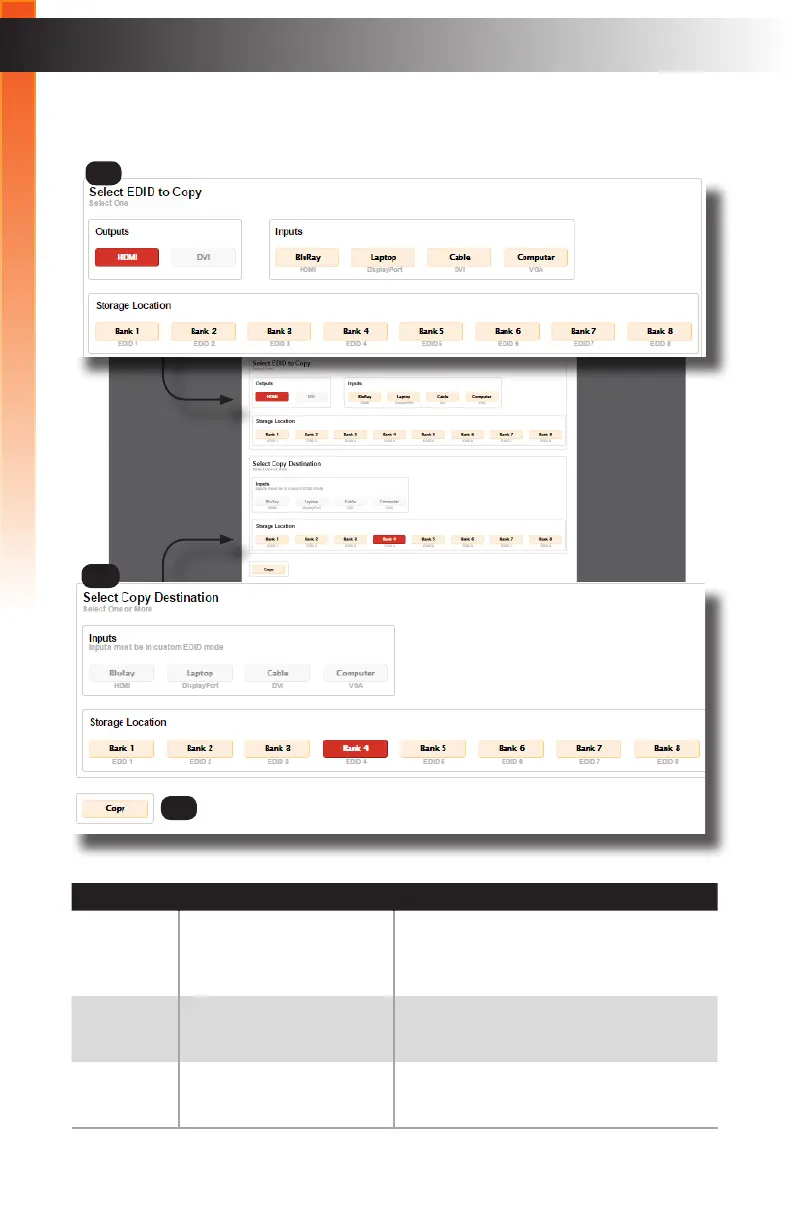
Manage EDID ► EDID Copy
ID Name Description
1 Select EDID to Copy Click on the device you want to copy
the EDID from. This can be an Output
(Display), an EDID saved at an Input
location, or one of the Storage Locations.
2 Select Copy Destination Select the Destination for the copied EDID.
This can be an Input (in “Custom EDID”
Mode only) or a Storage Location.
3 Copy Click this button to actually copy the EDID
le to the selected location(s).
Web Interface
2
3
1
Basic Operation



 To Next Page