page | 29
Basic OperationBasic Operation
Menu System
Adjusting the Color Range
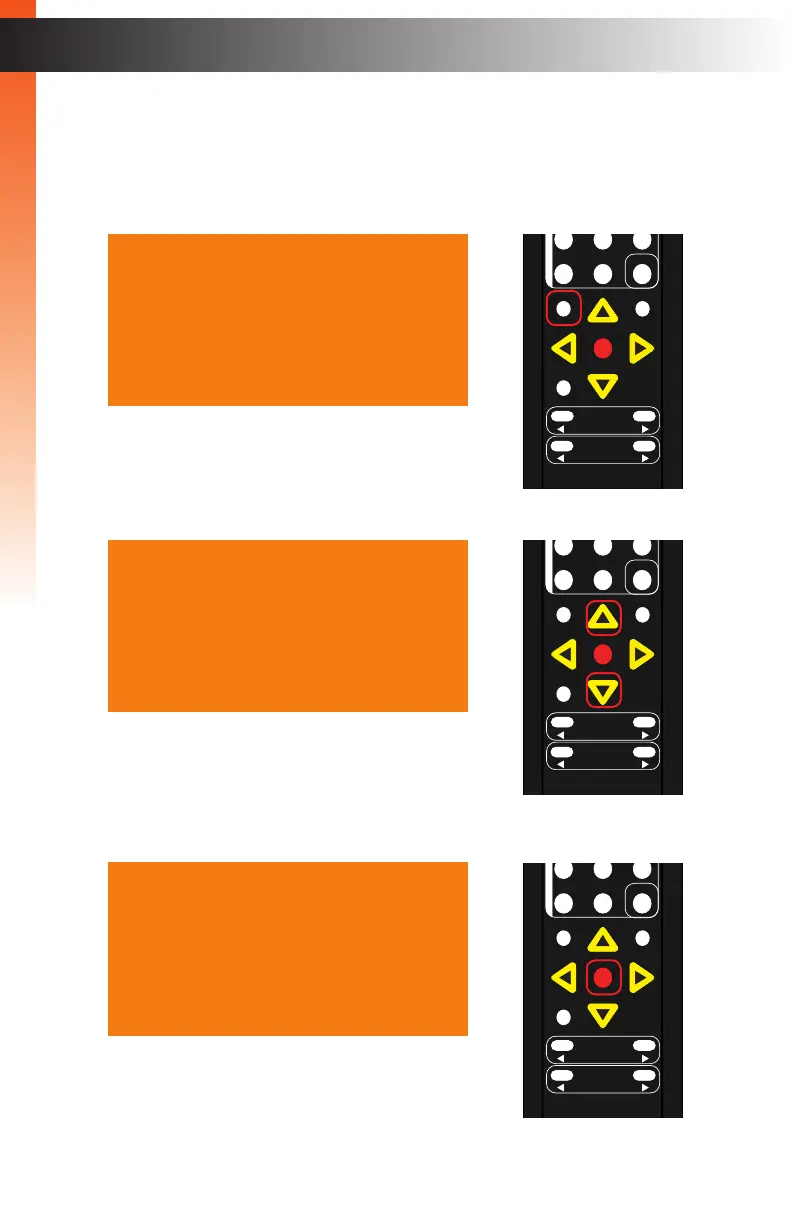
1. Press the Menu button on the IR remote control. The Output Setup option will
automatically be highlighted.
2. Press the ▲ or ▼ buttons to highlight the Picture option.
3. Press the OK button. The Contrast option will be highlighted.
Output Setup
Picture
Adjust
Audio
Network
System
Exit
Output Setup
Picture
Adjust
Audio
Network
System
Exit
OK
Resolution
Menu
Exit
L/R 1
Int
VGA
HDMI
Off On
DP DVI
Comp Mask
Optical Coaxial
L/R 2 Mute
Info
Vol -
Vol +
Aspect Ratio
Audio
OK
Resolution
Menu
Exit
L/R 1
Int
VGA
HDMI
Off On
DP DVI
Comp Mask
Optical Coaxial
L/R 2 Mute
Info
Vol -
Vol +
Aspect Ratio
Audio
OK
Resolution
Menu
Exit
L/R 1
Int
VGA
HDMI
Off On
DP DVI
Comp Mask
Optical Coaxial
L/R 2 Mute
Info
Vol -
Vol +
Aspect Ratio
Audio
Contrast 067
Brightness 055
Saturation 048
Hue 052
Range Limited
Color Temp ---
Balance
Sharpness 000
Back
HDMI Settings



 To Next Page