page | 94
Web Interface
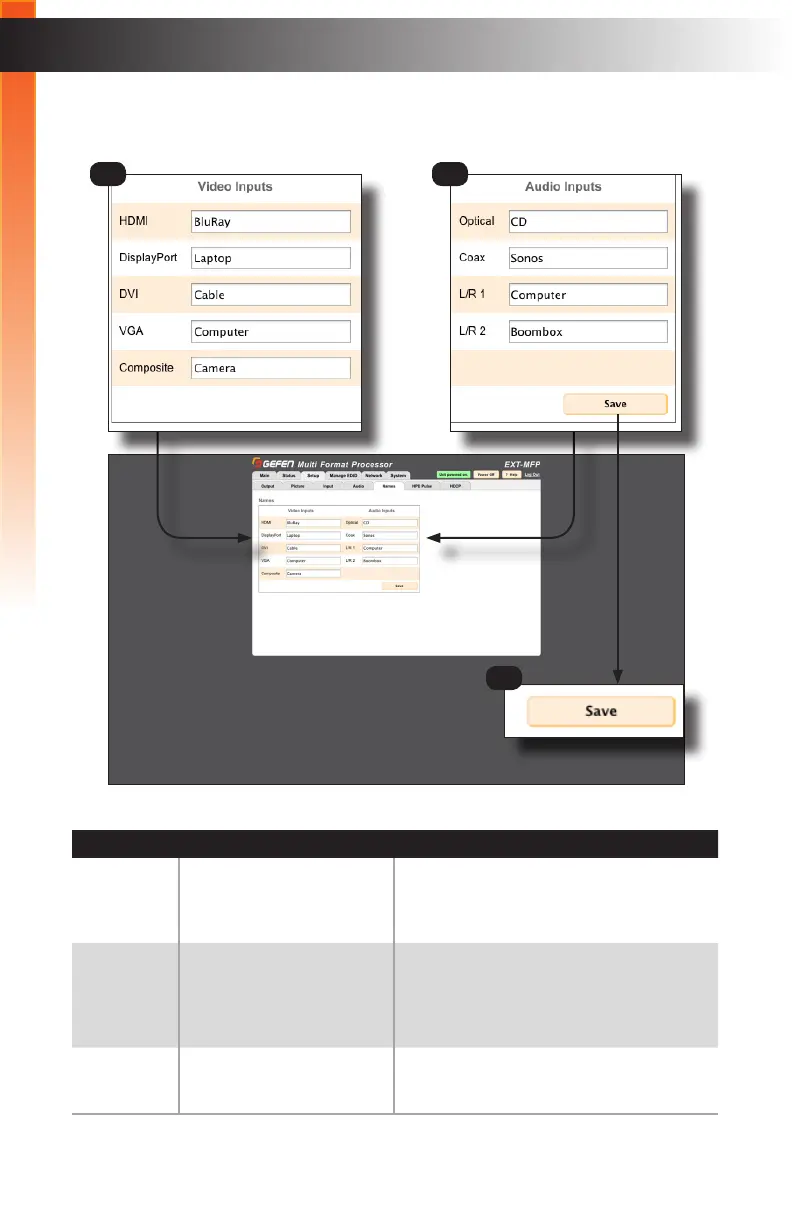
Setup ► Names
ID Name Description
1 Video Inputs Click each of these boxes to activate them,
then enter the desired name for each input.
The name of the input cannot exceed 12
characters in length.
2 Audio Inputs Click each of these boxes to activate them,
then enter the desired name for each input.
The name of the input cannot exceed 12
characters in length.
3 Save Click this button to save all changes to the
Video Inputs / Audio Inputs names.
Basic Operation
1 2
3
Basic Operation



 To Next Page