page | 80
Web Interface
Basic Operation
Using the Built-in Web Interface
The built-in Web interface provides advanced control of the Multi-Format Processor.
In order to access the Web interface use the Gefen Syner-G Software Suite to obtain
the IP settings of the Multi-Format Processor. Once connected to the Multi-Format
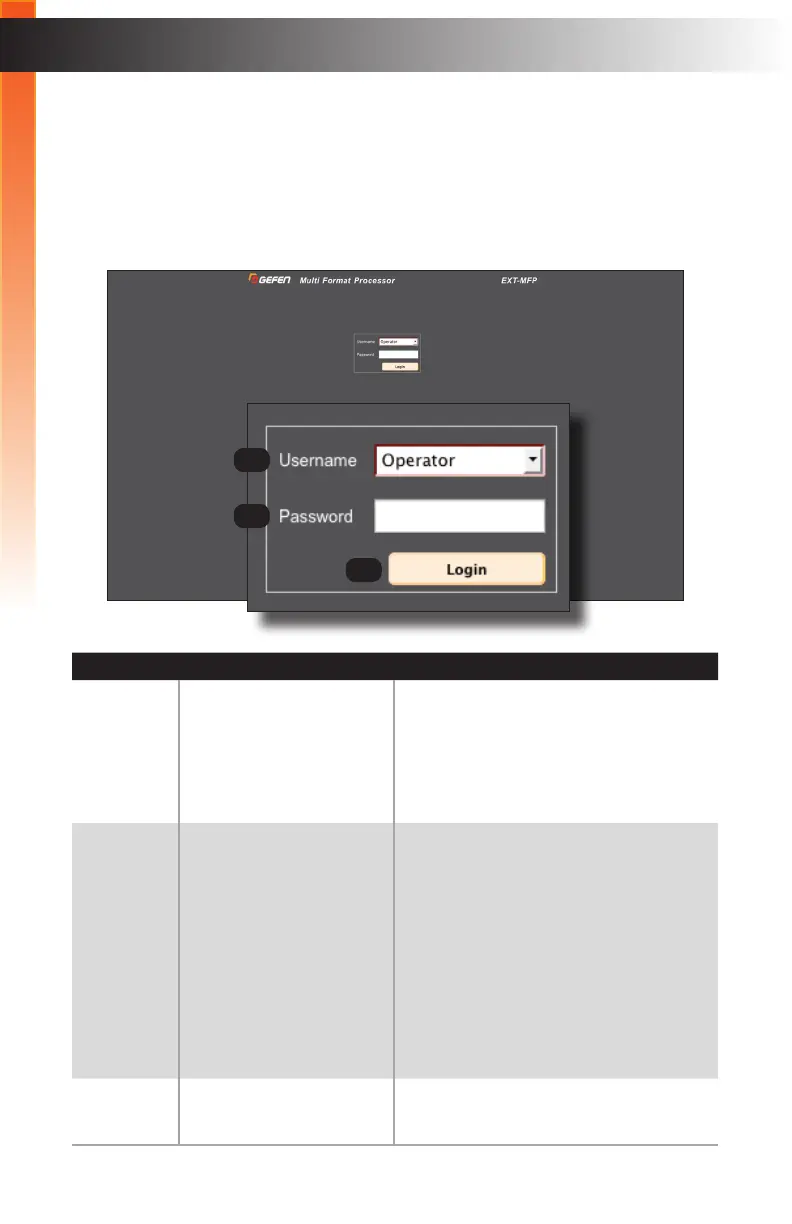
Processor, the login screen will be displayed.
ID Name Description
1 Username Select the username from the drop-down
list. The Administrator login provides
unrestricted access to all features and
settings. Operator login limits access to
routing, display information, and routing
preset features.
2 Password Enter the password for the associated
username. The password can also
be set using the #set_webui_ad_pass
and #set_webui_op_pass commands,
respectively. The password is masked
when it is entered.
• The default Operator password is
Operator.
• The default Administrator password
is Admin.
3 Login Click this button to login in to the Web
interface.
1
2
3
Basic Operation



 To Next Page