page | 18
Basic Operation
Basic Operation
Basic Operation
Basic Operation
Menu System
Setting the Output Resolution
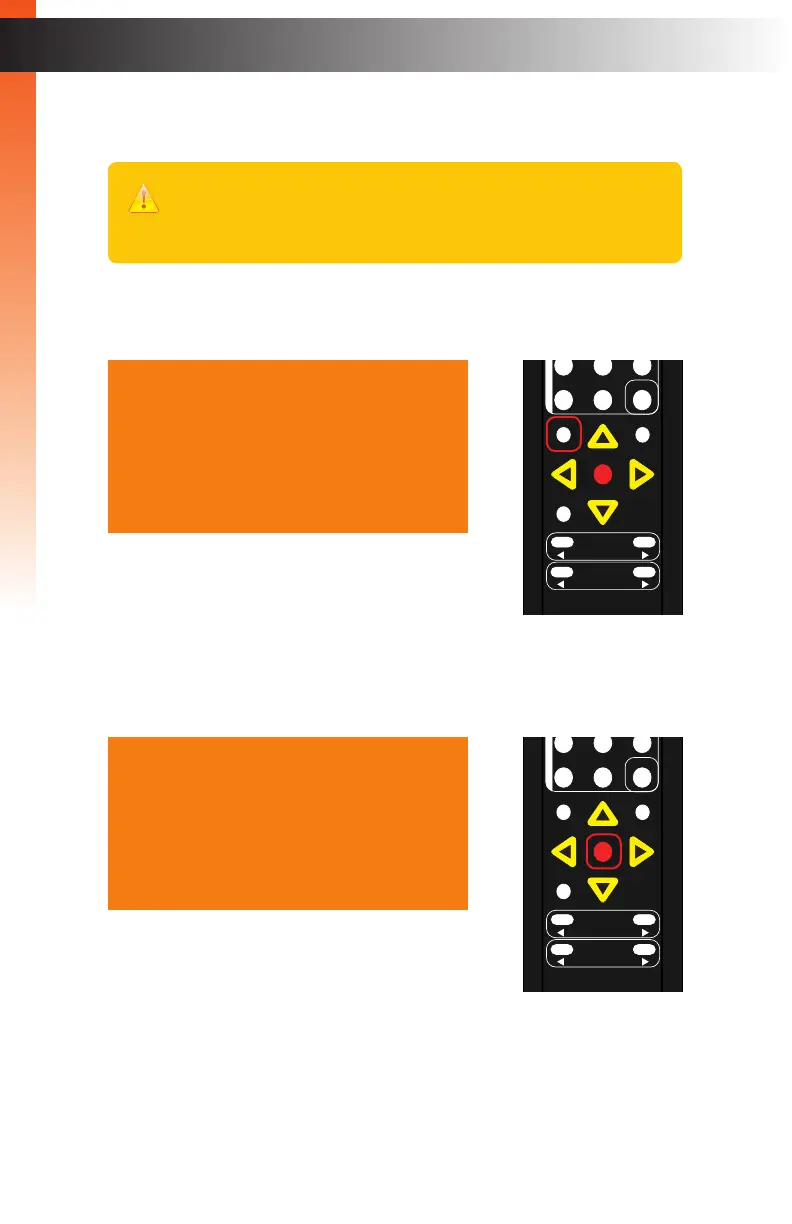
1. Press the Menu button on the IR remote control. The Output Setup option will
be highlighted in blue.
2. Press the OK button. The Resolution option will be highlighted in blue and will
indicate the current output resolution.
3. Press the OK button, again, to select the Resolution option.
Output Setup
Picture
Adjust
Audio
Network
System
Exit
Resolution HD( 1080p60 )
Colorspace
Mode
Background Blue
Exit
OK
Resolution
Menu
Exit
L/R 1
Int
VGA
HDMI
Off On
DP DVI
Comp Mask
Optical Coaxial
L/R 2 Mute
Info
Vol -
Vol +
Aspect Ratio
Audio
OK
Resolution
Menu
Exit
L/R 1
Int
VGA
HDMI
Off On
DP DVI
Comp Mask
Optical Coaxial
L/R 2 Mute
Info
Vol -
Vol +
Aspect Ratio
Audio
Important
Before changing this setting, make sure that the connected display can
support the selected output resolution.



 To Next Page