page | 56
Basic OperationBasic Operation
Menu System
HDCP
Some sources (e.g. computers) will enable HDCP if an HDCP-compliant display is
detected. The HDMI input can be set to On or Off. If set to On, the HDCP is passed
through. If set to Off, then HDCP content will not be accepted.
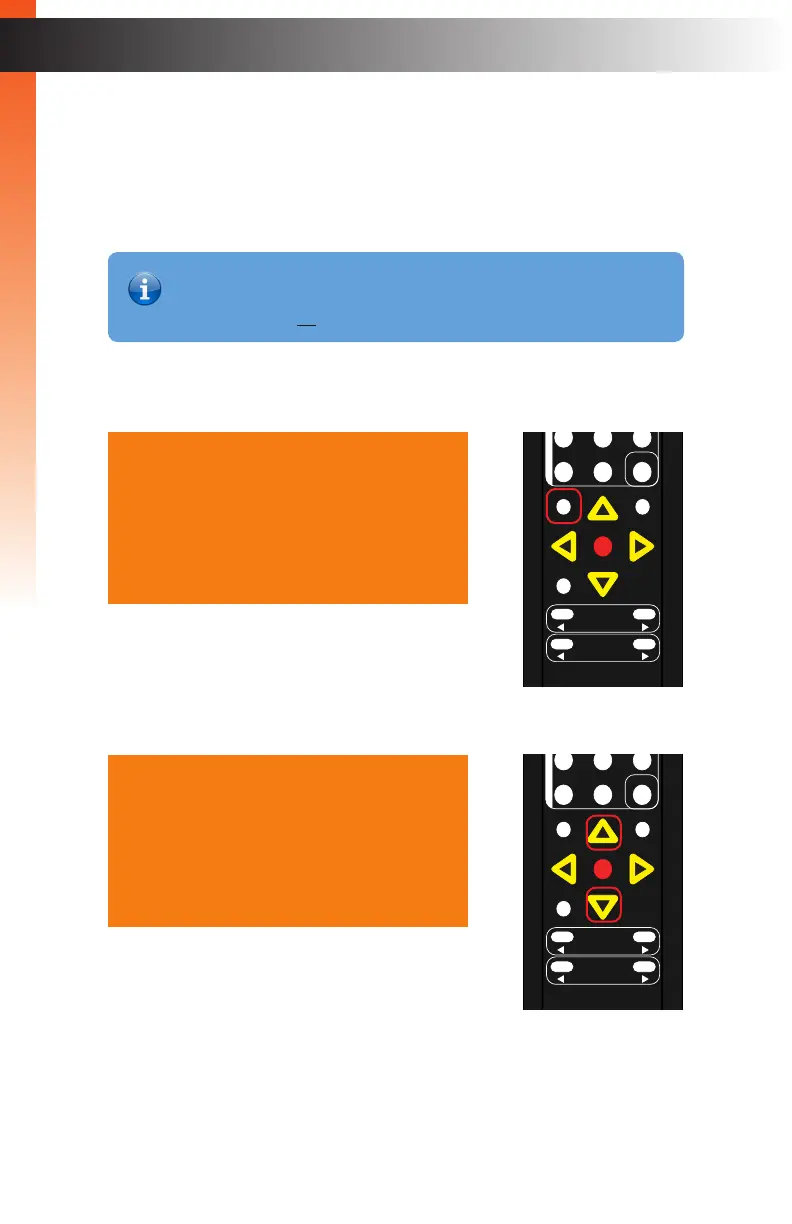
1. Press the Menu button. The Output Setup option will automatically be highlighted.
2. Press the ▲ or ▼ buttons to highlight the Adjust option.
Output Setup
Picture
Adjust
Audio
Network
System
Exit
Output Setup
Picture
Adjust
Audio
Network
System
Exit
OK
Resolution
Menu
Exit
L/R 1
Int
VGA
HDMI
Off On
DP DVI
Comp Mask
Optical Coaxial
L/R 2 Mute
Info
Vol -
Vol +
Aspect Ratio
Audio
OK
Resolution
Menu
Exit
L/R 1
Int
VGA
HDMI
Off On
DP DVI
Comp Mask
Optical Coaxial
L/R 2 Mute
Info
Vol -
Vol +
Aspect Ratio
Audio
Information
The HDCP menu option is only available when using an HDMI input signal.
This feature does not allow HDCP to be defeated.
Basic OperationBasic Operation



 To Next Page