page | 72
Basic Operation
Menu System
4. Press the ▲ or ▼ buttons to highlight the desired option.
5. Press the OK button to select it.
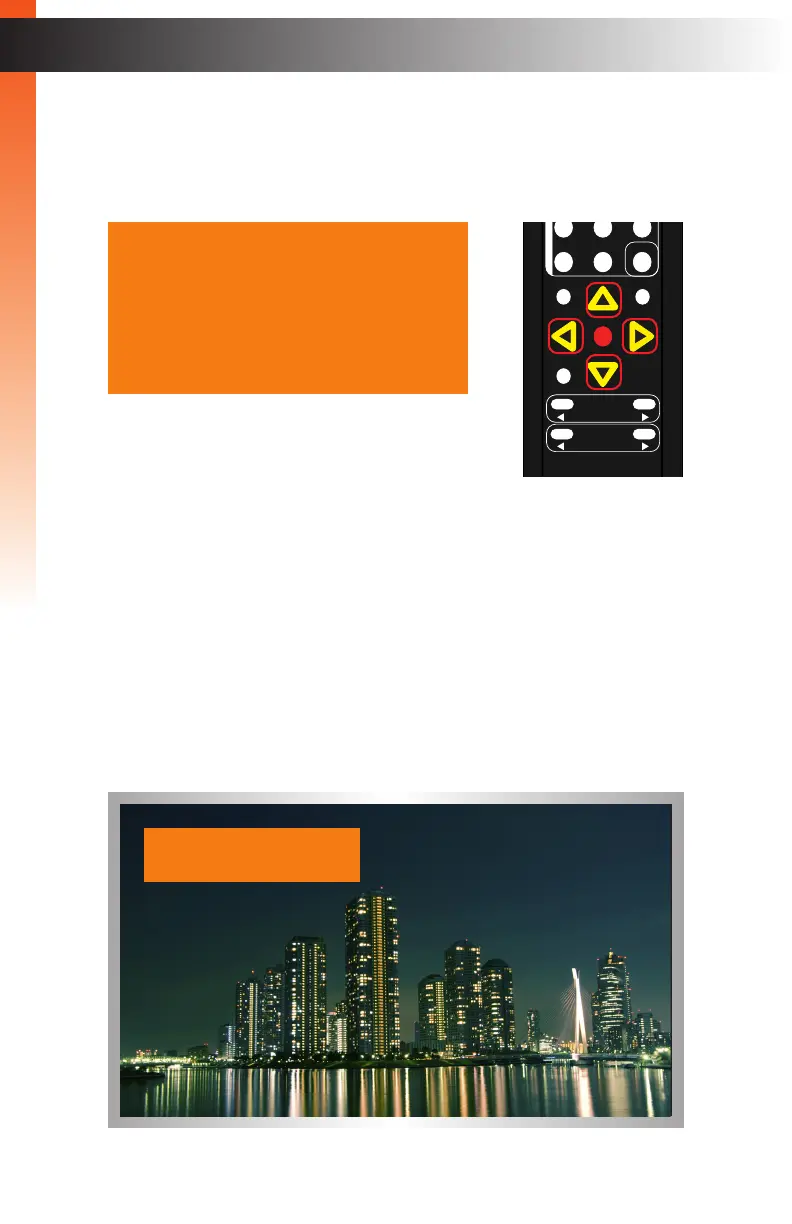
6. Press the ▲, ▼, ◄, or ► buttons to set the desired value.
OSD Timeout
Sets the timeout value of the OSD after the Menu button is pressed. Set the value to Off
to prevent the OSD from timing out. Set a value from 5 to 60 (in seconds) to set the
timeout period.
Display Notify
If set to Off, the Display Notify window is never displayed. Set to On to always display the
window. Set to 005 to set the timeout value to 5 seconds.
OK
Resolution
Menu
Exit
L/R 1
Int
VGA
HDMI
Off On
DP DVI
Comp Mask
Optical Coaxial
L/R 2 Mute
Info
Vol -
Vol +
Aspect Ratio
Audio
OSD Off
Display Notify 5 Sec
Low Power IP Off
Set Feedback On
Input Res. Info
Firmware Version
IR Channel 001
Factory Reset
Back
IN : HDMI
1280x720/60
OUT : 720p60
Basic Operation



 To Next Page