page | 40
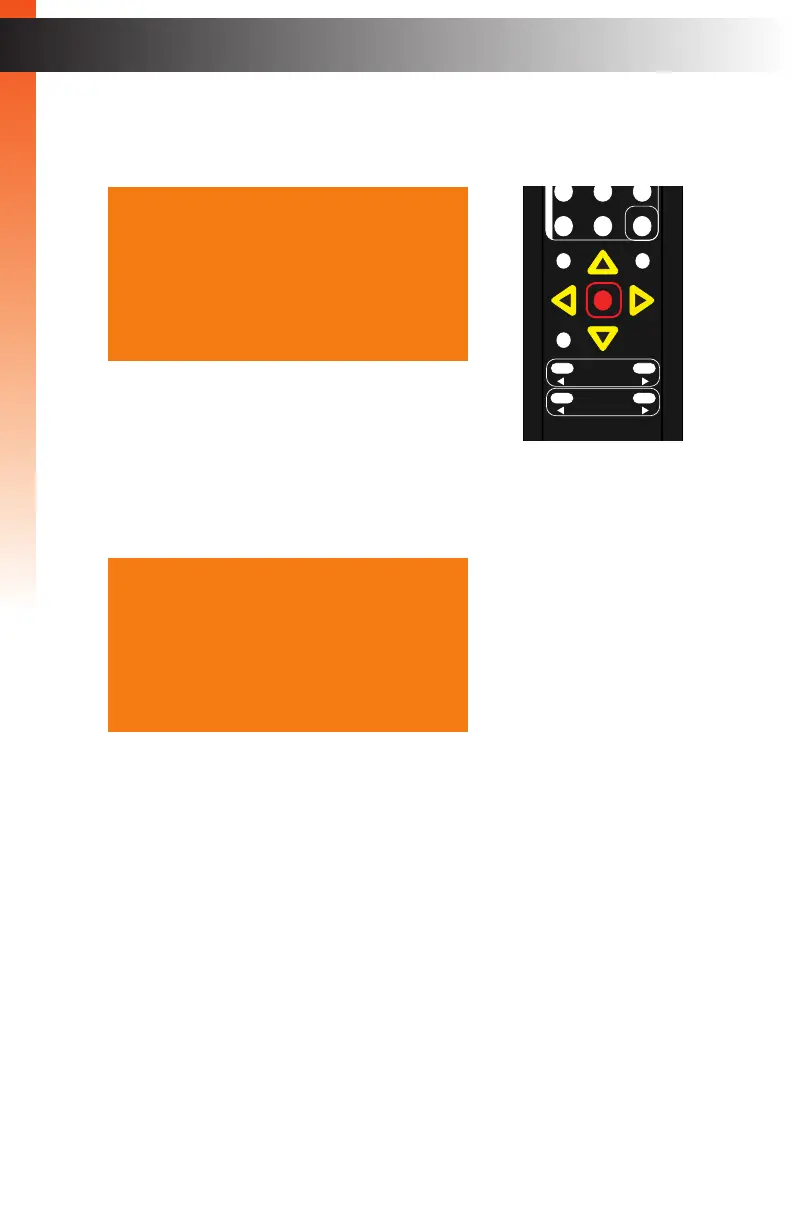
3. Press the OK button to display the VGA Settings.
4. The Auto Size option will be highlighted.
5. Press the OK button, again, to activate the Auto Size feature.
6. The word “Executing” will be displayed, in red, next to the Auto Size feature.
This process is instantaneous and once completed, the “Executing” message will
disappear.
7. To return to the previous menu, press the ▲ or ▼ buttons to highlight the Back
option, then press the OK button. You can also press the Menu button to return
to the top-level menu.
OK
Resolution
Menu
Exit
L/R 1
Int
VGA
HDMI
Off On
DP DVI
Comp Mask
Optical Coaxial
L/R 2 Mute
Info
Vol -
Vol +
Aspect Ratio
Audio
Auto Size
Phase 050
V Position 050
H Position 050
Under/Over Scan Off
Aspect Ratio Source
HDCP
Send HPD Pulse ---
Back
VGA Settings
Auto Size Executing
Phase 050
V Position 050
H Position 050
Under/Over Scan Off
Aspect Ratio Source
HDCP
Send HPD Pulse ---
Back
VGA Settings
Basic OperationBasic Operation
Menu System
Basic OperationBasic Operation



 To Next Page