page | 109
Basic Operation
Web Interface
ID Name Description
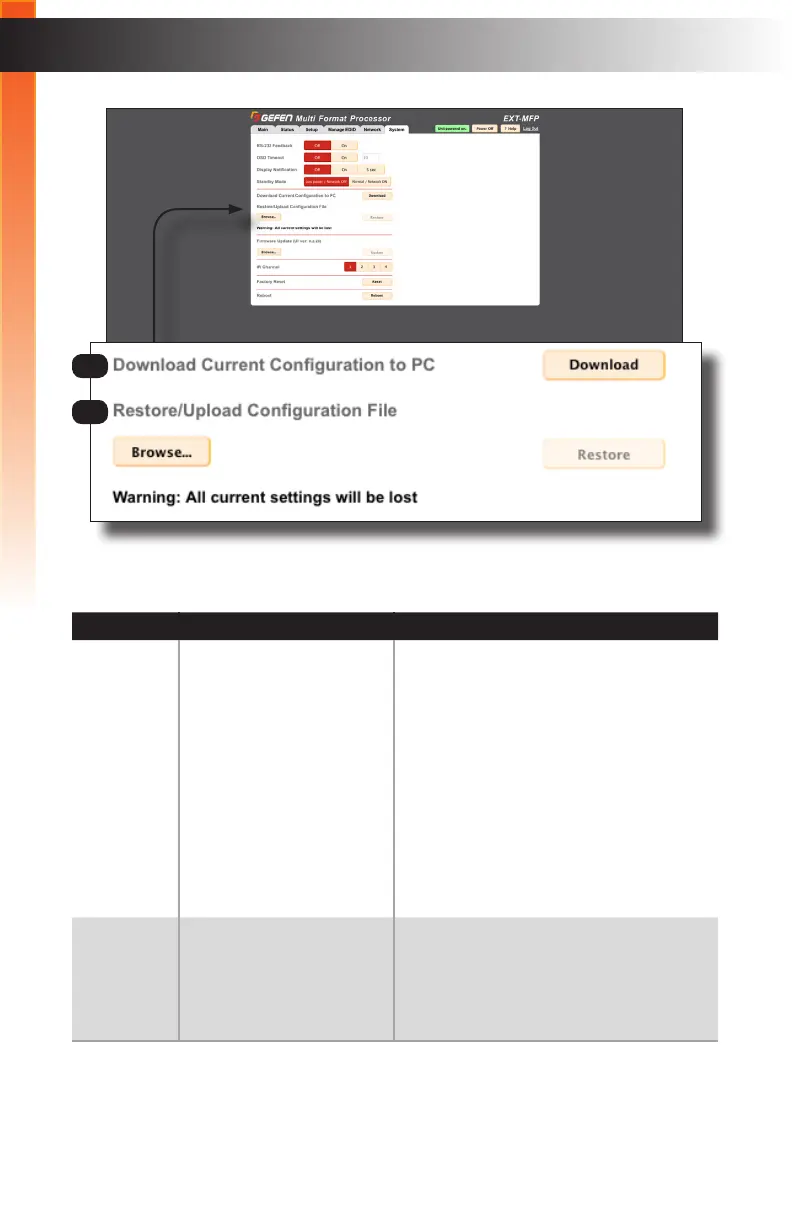
5 Download Current
Conguration to PC
Click the Download button to download the
entire Multi-Format Processor conguration
to an .XML le on your computer. The
default lename is settings.gfn.
If you wish to save multiple conguration
les, be sure to rename the last le that
was downloaded so that it does not get
overwritten.
The XML le can be restored to the unit, or
copied to other units to “clone” the Multi-
Format Processor conguration.
6 Restore / Upload
Conguration File
Click the Browse... button to select the
conguration le (.xml format) to be
uploaded to the Multi-Format Processor.
Click the Restore button to begin the
upload process.
5
6



 To Next Page