page | 24
Basic OperationBasic Operation
Menu System
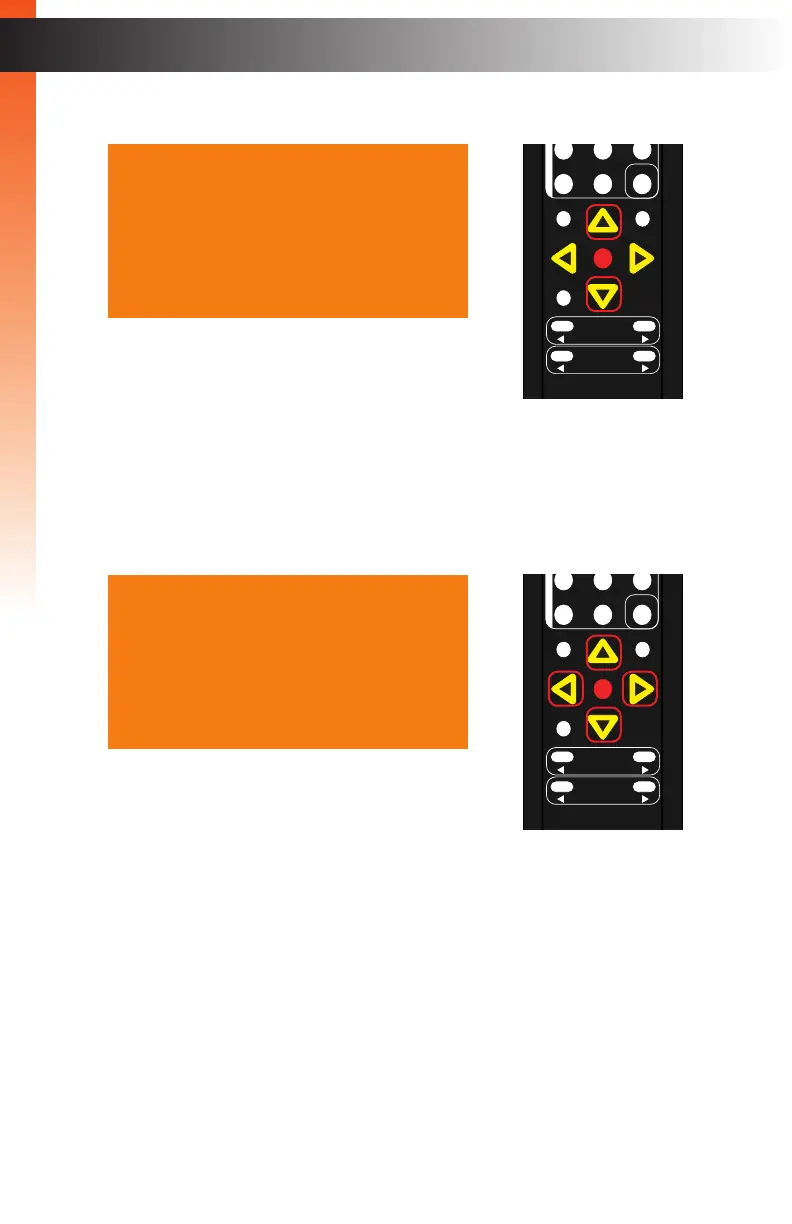
4. Press the ▲ or ▼ buttons to highlight the Brightness option.
5. Press the OK button to select the Brightness option.
6. The current brightness value will highlighted in red.
7. Press the ▲, ▼, ◄, or ► buttons to set the desired brightness setting.
The range is: 0 - 100.
8. Press the OK button to accept the desired brightness setting.
9. To return to the previous menu, press the ▲ or ▼ buttons to highlight the Back
option, then press the OK button. You can also press the Menu button to return
to the top-level menu.
OK
Resolution
Menu
Exit
L/R 1
Int
VGA
HDMI
Off On
DP DVI
Comp Mask
Optical Coaxial
L/R 2 Mute
Info
Vol -
Vol +
Aspect Ratio
Audio
Contrast 067
Brightness 050
Saturation 050
Hue 050
Range Limited
Color Temp ---
Balance
Sharpness 000
Back
HDMI Settings
Contrast 067
Brightness 055
Saturation 050
Hue 050
Range Limited
Color Temp ---
Balance
Sharpness 000
Back
HDMI Settings
OK
Resolution
Menu
Exit
L/R 1
Int
VGA
HDMI
Off On
DP DVI
Comp Mask
Optical Coaxial
L/R 2 Mute
Info
Vol -
Vol +
Aspect Ratio
Audio
Basic OperationBasic Operation



 To Next Page