page | 66
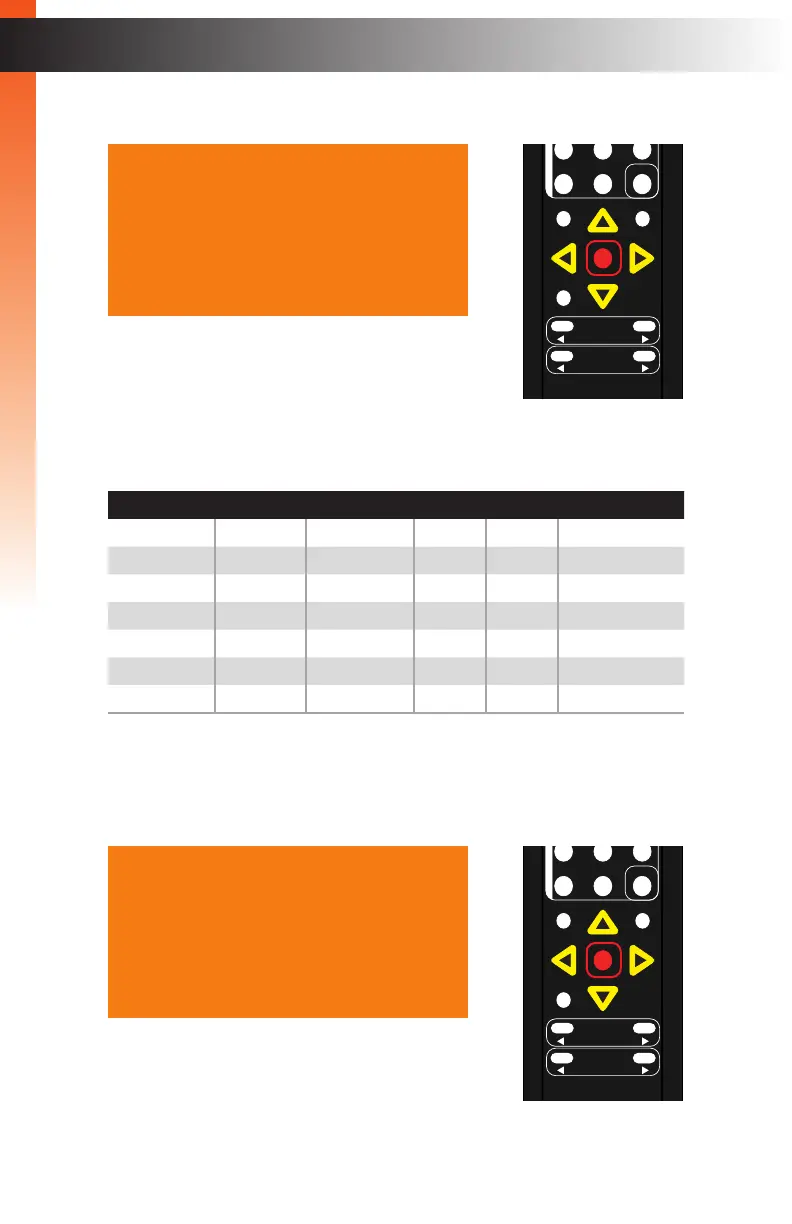
3. Press the OK button. The Analog Out option will be highlighted.
4. Press the ▲ or ▼ buttons to highlight the desired video port modify audio linking.
The table, below, lists the available audio inputs for each video input.
Audio HDMI DisplayPort DVI VGA Composite
Internal Yes Yes Yes* No No
Optical Yes Yes Yes Yes Yes
Coaxial Yes Yes Yes Yes Yes
L/R 1 Yes Ye s Yes Ye s Ye s
L/R 2 Yes Ye s Yes Ye s Ye s
No Audio Yes Ye s Yes Ye s Ye s
No Change Yes Yes Yes Yes Yes
* Only if signal is HDMI.
5. Press the OK button, again, to select the highlighted video port. The audio setting for
the port will be highlighted in red, as shown in the example below.
Basic Operation
Menu System
Analog Out On
Analog Mode Fixed
HDMI Link Internal
DP Link Internal
DVI Link Optical
VGA Link L/R 1
Comp Link L/R 2
Back
Analog Out On
Analog Mode Fixed
HDMI Link Internal
DP Link Internal
DVI Link Optical
VGA Link L/R 1
Comp Link L/R 2
Back
OK
Resolution
Menu
Exit
L/R 1
Int
VGA
HDMI
Off On
DP DVI
Comp Mask
Optical Coaxial
L/R 2 Mute
Info
Vol -
Vol +
Aspect Ratio
Audio
OK
Resolution
Menu
Exit
L/R 1
Int
VGA
HDMI
Off On
DP DVI
Comp Mask
Optical Coaxial
L/R 2 Mute
Info
Vol -
Vol +
Aspect Ratio
Audio
Basic Operation



 To Next Page