page | 87
Basic Operation
Web Interface
ID Name Description
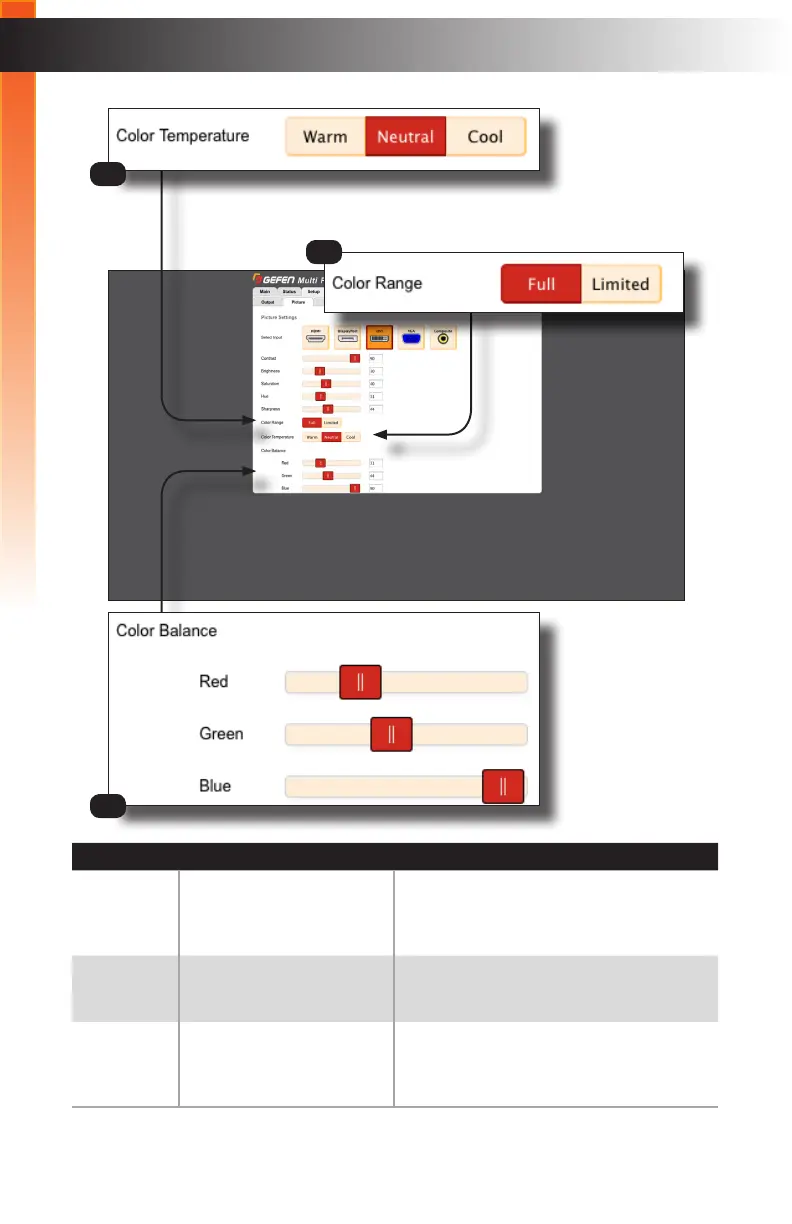
3 Color Temperature Click these buttons to set the desired
Color Temperature. The default setting is
“Neutral”.
4 Output Mode Selection
(DVI)
Click these buttons to set the desired Color
Range. The default setting is “Full”.
5 Color Balance Click and drag these slider controls to
adjust the Red, Green, and Blue Color
Balance of the picture.
4
3
5



 To Next Page